
Introduction
Creating an online training course does not require expensive cameras, a huge lesson library or a complicated website. What matters most is having something useful to teach and knowing who the course is for.
Kajabi brings the main parts of the process together in one platform. You can create lessons, set up an offer, manage checkout, build pages and send emails from the same system.
If you want to Create and Sell an Online Training Course on Kajabi in 2026, begin with a focused first version. Launch it, learn from students and improve it from feedback.
Can You Create and Sell Training Courses on Kajabi?
Yes, Kajabi can be used to create and sell training courses with video, audio, written lessons, downloads and quizzes. You can mix formats to suit your audience.
Courses are organised into modules and lessons, giving students a clear order to follow. Kajabi also supports certificates, drip content, locked lessons and mobile access.
Once the course is ready, connect it to a Kajabi offer. The offer controls price, checkout, payment options and access.
What Do You Need Before You Start?
Before creating lessons, decide what someone should be able to do after completing the course. That outcome gives the training direction.
A broad idea such as “Social Media Training” can feel vague. “Learn How to Create Your First 30-Day Instagram Content Plan” is clearer because the result is easy to understand.
Kajabi’s 2026 course guidance recommends checking that people want the result before building the full programme. Early validation helps reduce wasted effort. A simple course plan might look like this:
| Step | Example |
|---|---|
| Course result | Create a 30-day Instagram plan |
| Audience | Small business owners |
| Module 1 | Understand your audience |
| Module 2 | Choose content topics |
| Module 3 | Create your content plan |
| Module 4 | Write and schedule posts |
| Final result | Completed 30-day plan |
Keep the first version focused on the outcome. Students usually want a clear path to progress, not a huge lesson library.
How to Create and Sell an Online Training Course on Kajabi
1. Create Your Course
Start in Products → Courses and create a new course, then map out the learning journey before adding content. Use modules and lessons to organise the training clearly.
Modules should represent the main stages a student needs to complete. Avoid adding extra sections only to make the course look larger.
2. Add Your Training Content
Each Kajabi lesson can include video or audio with written content and downloadable resources. You can also add quizzes when students need to check their understanding.
A useful lesson might combine a short video, a written summary, a worksheet and one action step. This is often more helpful than filling every lesson with long videos.
Make sure the course works well on a phone too. Students can access Kajabi Courses through the website, the Kajabi Mobile App or a branded mobile app.
3. Decide How Students Move Through the Course
Some courses work best when everything is available straight away, while others benefit from gradual release. The right choice depends on the subject and learning pace.
Kajabi allows you to drip modules or lock later content until a student completes lessons or passes a quiz. Use these options only when they improve learning.
How to Price Your Kajabi Course
Do not price a course only by counting recorded hours. Think about the result it helps someone achieve and what similar solutions cost. Kajabi supports several pricing types, so you can choose a model that fits the training.
| Pricing Option | Good For |
|---|---|
| One-time payment | Self-paced training courses |
| Payment plan | Higher-priced programmes |
| Subscription | Ongoing training or memberships |
| Free | Lead generation or mini-courses |
Kajabi Offers can support free access, one-time payments, payment plans and subscriptions. Enhanced Checkout can also show different pricing options for the same offer.
A short course does not automatically need a low price. Focused training that solves an important problem can be more valuable than a longer course with general information.
How to Sell Your Course on Kajabi
Building the course is only one part of the process because customers still need a clear path to purchase. When you Create and Sell an Online Training Course on Kajabi, keep that journey simple.
1. Create Your Offer and Checkout
Create an offer in Kajabi and connect your course to it, then set the price and payment method. You can customise checkout, control access and add post-purchase actions where useful.
Before launch, complete a test purchase and follow the same steps a customer would take. This confirms that payment works and the correct course access is provided.
2. Build a Simple Sales Page
Your sales page does not need to be very long, but it should answer the main questions a potential student has before paying. Keep the focus on the learner and the result.
The page should clearly explain:
- Who the training is for
- What problem it solves
- What the student can do afterwards
- What is included
- Why the visitor can trust you
- How much the course costs
Add one clear CTA that takes the visitor to your offer checkout. Make it easy to understand what they are buying and what happens next.
3. Use Email to Support the Sale
Many visitors will not buy on their first visit, so email can help you stay in touch. Give them a reason to join through a guide, checklist or short training.
A short email sequence can explain the problem, share practical advice and show how the course can help.
Kajabi Funnels can connect opt-in forms with email sequences so follow-up runs automatically. A simple journey could be:
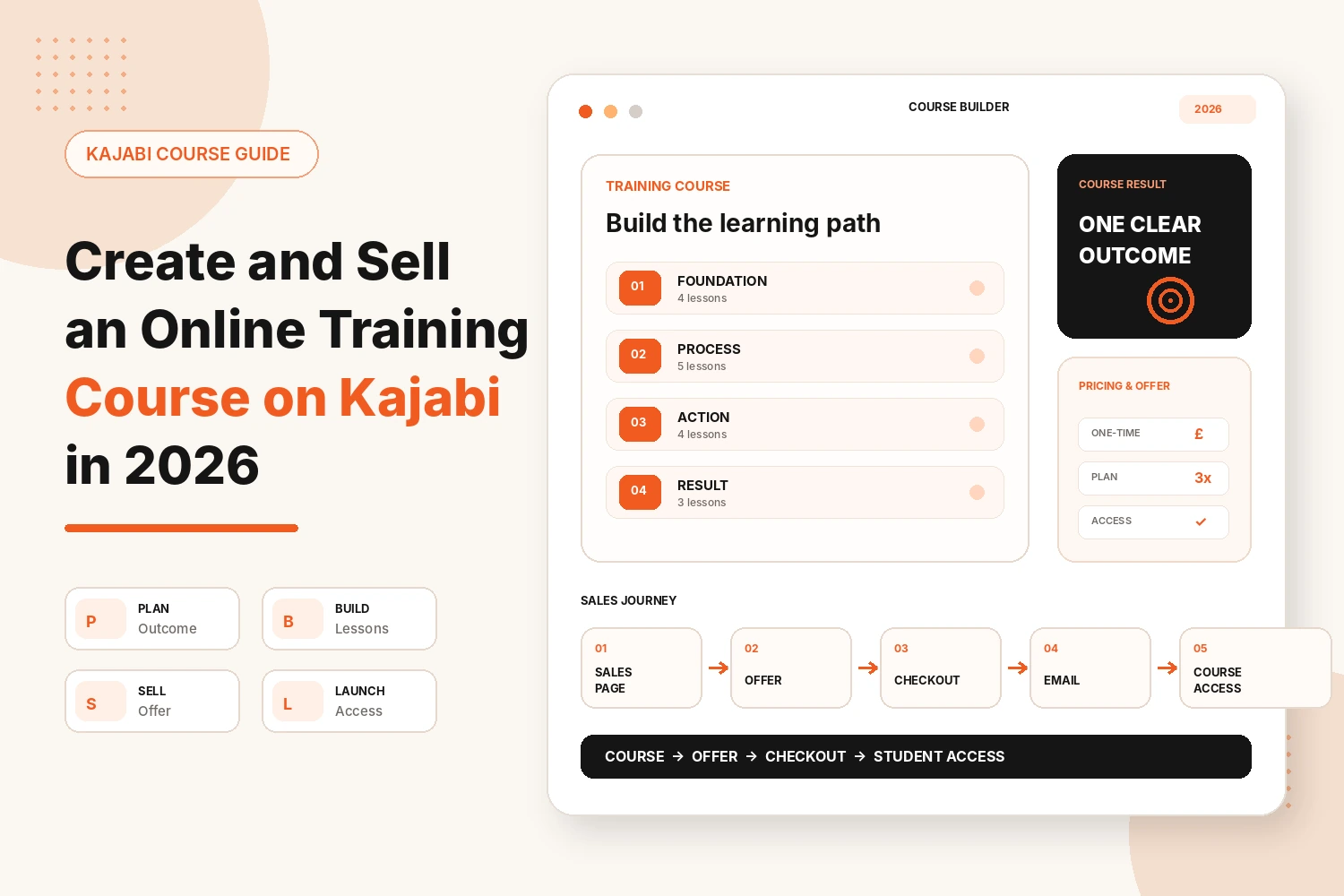
Free guide → Email sequence → Course sales page → Checkout → Course access
You do not need a complicated 20-email funnel to Create and Sell an Online Training Course on Kajabi. A shorter sequence can work well when every email has a clear purpose.
What Should You Check Before Launch?
Before sending people to your course, go through the full experience as a new customer. Check the sales page, checkout, emails, login, course access and mobile experience.
While reviewing each lesson, ask whether it helps the student reach the promised result. If it adds little value, remove it because a smaller course people finish is often better.
Conclusion
Learning how to Create and Sell an Online Training Course on Kajabi in 2026 is not about producing as much content as possible. Start with one clear result, then build the lessons that help students reach it.
Next, connect the course to an offer, choose a sensible price and create a straightforward sales page. Use email to follow up with interested visitors, then improve the training after students have used it.
Kajabi can make this easier because the course, checkout, offers, emails and funnels work inside the same platform. That gives you a simpler customer journey.
Start with a useful first version instead of waiting for everything to feel perfect. Real feedback will show you what needs to be clearer and where students need more support.
Want to Build Your Online Training Course on Kajabi?
If you want help to Create and Sell an Online Training Course on Kajabi, we can support the setup from course structure through to the student journey. This can include sales pages, offers, checkout and email automation.
Build My Kajabi CourseFAQs
Is Kajabi effective for selling online training courses?
Yes, Kajabi supports course creation and sales in one platform. It combines hosting with offers, checkout, websites, landing pages, email marketing and funnels.
How do I create a course in Kajabi?
Create a course under Products, then organise it into modules and lessons around the result students should achieve. Add videos, written content, downloads and quizzes where useful.
How do I sell my Kajabi course?
Connect the course to a Kajabi offer, choose the pricing method and customise checkout. Link the offer to your sales page or funnel so visitors have a clear route to purchase.
Can I offer payment plans for a Kajabi course?
Yes, Kajabi supports one-time payments, payment plans, subscriptions and free offers. Choose the option that suits the course price and your customers.
Do I need a separate website to sell a Kajabi course?
No, Kajabi includes website and landing-page tools, so you can build both inside the platform. A separate website is optional rather than required.
How long should an online training course be?
There is no ideal length because the right amount of content depends on the result you are teaching. Include enough material to help students reach that outcome without unnecessary lessons.
Should I create the whole course before selling it?
Not always, because you can validate the idea or pre-sell a clear offer before building every lesson. Kajabi’s 2026 guidance also recommends validating demand before creating the full training.