
Introduction
Custom development can make a Kajabi site feel less like a standard template. It can add useful behaviour where the normal builder reaches its limits.
That naturally raises a question. Will adding code make the website slower?
Sometimes, but not by default. A small styling change may have almost no noticeable effect. A page packed with heavy scripts or outside tools is a different matter.
The same rule applies to Kajabi custom code. Used with care, it can improve the site without turning performance into a problem.
Can Kajabi Custom Code Make a Site Slower?
Yes, it can, but the amount of code is only part of the story.
Changing button spacing with CSS is a tiny job for the browser. Loading a large JavaScript library for one visual effect asks far more of it.
So the useful question is not whether a page contains code. Ask what that code makes the browser load or process.
Kajabi allows code-based customisation, while warning that advanced changes can affect site behaviour when they are not handled carefully.
A sensible build keeps every addition there for a reason. Useful features may justify extra code. Decorative extras often do not.
What Type of Custom Code Can Slow Down Kajabi?
Different types of customisation place different demands on a page.
Custom CSS
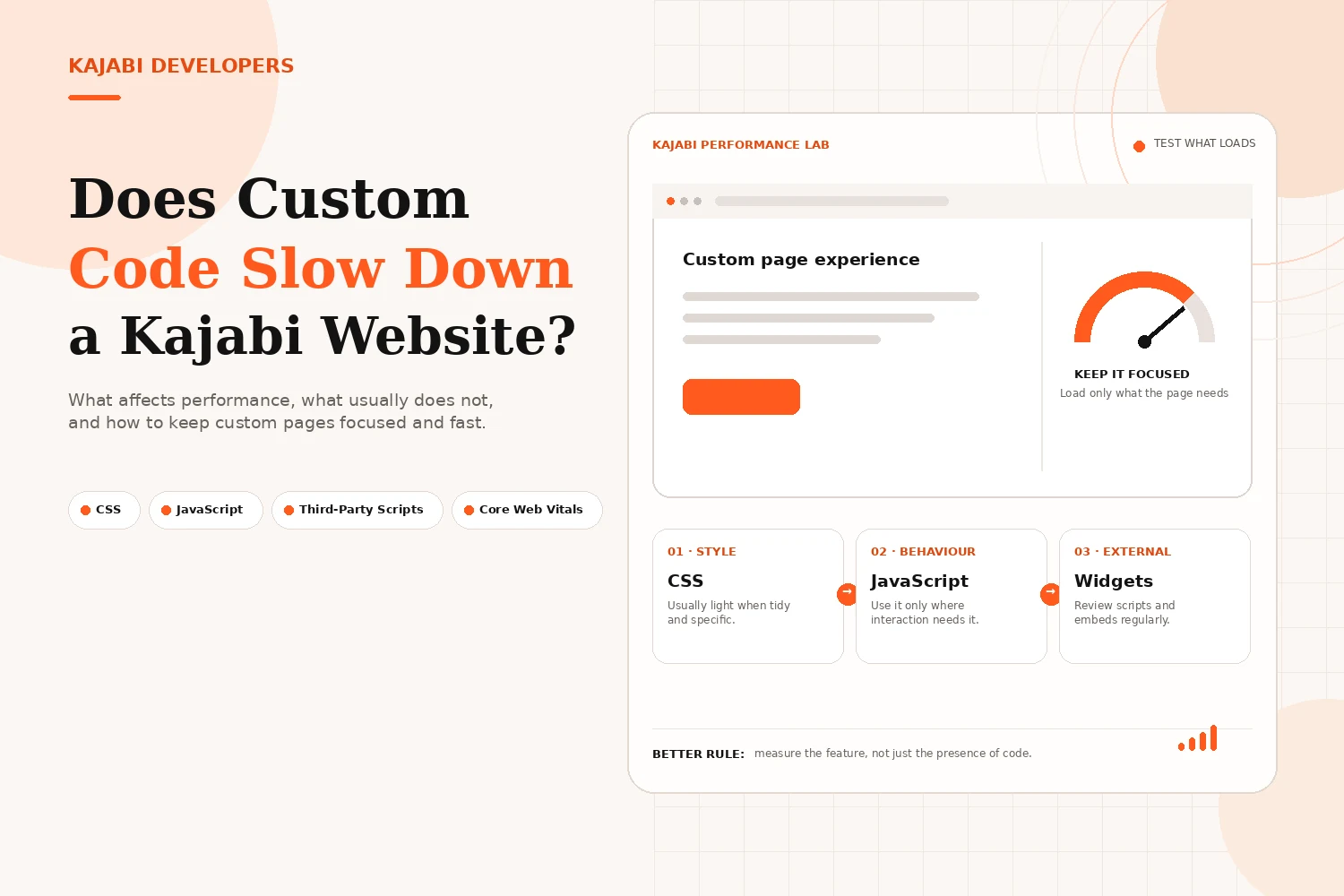
CSS is normally a light way to personalise Kajabi. It can handle spacing and responsive fixes without asking the browser to do much extra work.
Problems appear when old styles are left behind or the same rules are repeated. Extra font files can also add requests that a simple page does not need.
Keep the stylesheet focused on what is actually being used.
Custom JavaScript
JavaScript needs more care because the browser must read it and run it.
Poorly planned scripts can make a page feel slow even when the first screen appears quickly. Menus may react late. Forms can feel less responsive.
That does not mean JavaScript should be avoided. Kajabi custom code should simply use it where there is a clear reason.
Third-Party Scripts and Widgets
Outside tools are easy to overlook because they may begin with a small embed. That short snippet can still load a much larger service behind the scenes.
Common examples include:
- Live chat
- Analytics tags
- Booking widgets
- Popup tools
- External forms
- Animation libraries
Kajabi recommends limiting external scripts that are not needed. Its speed guidance also points to large images and heavy page content as possible causes of slower loading.
This is why the custom design itself is not always the real problem.
What Else Can Make a Kajabi Website Feel Slow?
Custom code is only one part of page performance.
A large hero image can delay the main content. Several videos may add more work. Old tracking scripts can keep loading long after they are useful.
A standard Kajabi page can also be slow with very little custom development on it.
Before removing useful features, check the whole page. Look at media sizes and active embeds. See what loads on mobile.
That wider check gives you a better chance of finding the actual cause.
How Can You Use Custom Code Without Hurting Speed?
Start with a simple rule. Load a feature only where it is needed.
If a calculator appears on one sales page, its script does not need to run across the rest of the website. The same idea applies to a booking embed or page-specific effect.
Kajabi provides page-level options for custom code, while some setups support broader code changes too. This gives developers more control over where custom features load.
A few habits make a real difference:
- Remove code that no longer has a purpose
- Keep CSS organised
- Avoid JavaScript when a simpler option will work
- Compress large images before upload
- Check mobile performance after changes
- Review third-party tools regularly
Good Kajabi custom code should solve a problem without creating another one. Speed should be considered while the page is being built, not only after launch.
How Do You Know If Custom Code Is Slowing Your Site?
Test the page instead of guessing.
Google PageSpeed Insights is useful for checking a page before and after a major change.
Pay attention to Google's Core Web Vitals:
- LCP measures loading performance
- INP measures responsiveness
- CLS measures unexpected layout movement
Google's recommended good targets are LCP at 2.5 seconds or less, INP at 200 milliseconds or less and CLS at 0.1 or less.
If performance drops after adding a widget or script, remove that one item and test again. This is more useful than stripping out every custom feature at once.
Test mobile as well. A page that feels fine on a desktop can behave very differently on a phone.
Is Custom Code Worth Using on Kajabi?
Yes, when it has a clear job.
Kajabi custom code can help when the standard builder cannot deliver the layout or behaviour a business needs. It may fix responsive issues or support a useful interaction without changing the whole site.
There is little value in adding code simply because it is possible.
For most businesses, the better approach is to use Kajabi's native tools where they work well and bring in custom development where it adds something meaningful.
The best page is not the one with the most code. It is the one that works well and feels quick to use.
Conclusion
Custom development does not have to make Kajabi slow.
Well-built changes can improve the look or usability of a site without causing an obvious drop in speed. Problems are more likely when a page collects unnecessary scripts or heavy media.
Keep only what the page needs and test again after major changes.
That keeps the website easier to manage while giving you room to customise it properly.
Need a Faster Custom Kajabi Website?
We build Kajabi websites with custom design where it adds value and a lighter approach where it does not. If your current custom code feels heavy, we can review what is loading and improve the parts holding the experience back.
Improve My Kajabi WebsiteFAQs
Does custom CSS slow down a Kajabi website?
Usually not by much when the CSS is tidy and focused. Large unused stylesheets or extra font files can still add avoidable weight.
Does JavaScript slow down Kajabi?
It can. Too much JavaScript can make interactions slower, especially when several scripts run together. Small scripts with a clear purpose are less likely to cause trouble.
Do third-party integrations affect Kajabi website speed?
Yes. External tools can add more requests and browser work. Keep the ones that matter and remove services you no longer use.
Should I avoid Kajabi custom code?
No. Use it when the standard builder cannot achieve something important. The main question is whether the change adds enough value to justify the extra code.
How can I check my Kajabi website speed?
Use Google PageSpeed Insights on important URLs. Review mobile and desktop results, then retest after changing a heavy script or media file.
Can a custom Kajabi website still be fast?
Yes. A customised site can perform well when its code stays focused and the page is tested properly. Media size and external tools matter too.