
Introduction
If you're trying to work out how to build a website on Kajabi without your launch date sliding further and further back, you're not alone. It's one of the first questions almost every business asks before a project starts.
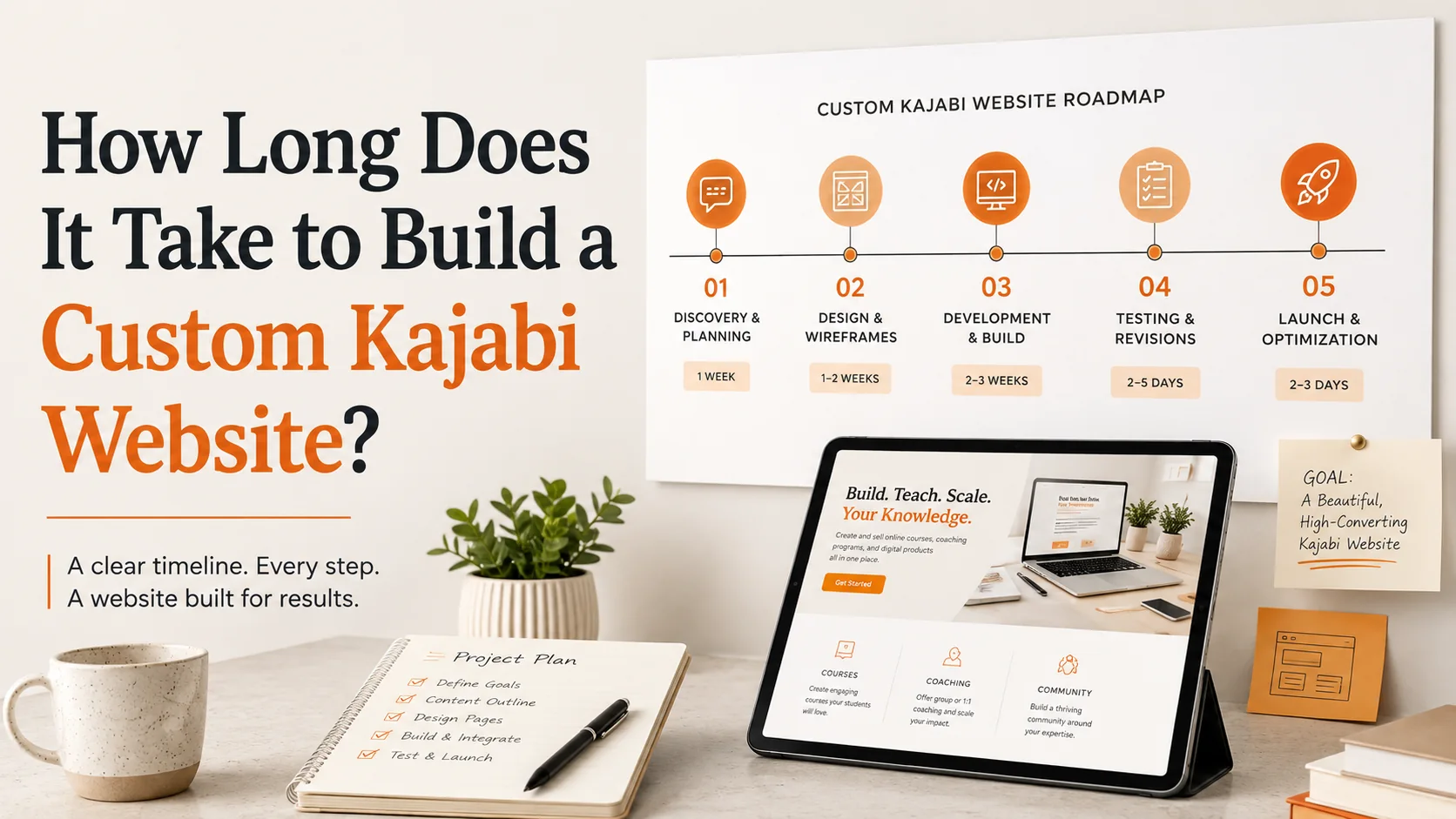
The honest answer is that a focused custom Kajabi website usually takes around three to six weeks. A larger project involving courses, sales funnels, email automations, memberships, migrations, or custom functionality may take six to twelve weeks.
Kajabi Website Timelines by Project Scope
| Project scope | Typical timeline | What it may include |
|---|---|---|
| Limited or theme-based build | A few days to two weeks | One page or a small set of pages, existing branding, prepared copy, and limited changes |
| Focused custom Kajabi website | Three to six weeks | Planning, custom page layouts, responsive development, basic connections, revisions, and launch testing |
| Full Kajabi website and business setup | Six to twelve weeks | Website pages, products, courses, funnels, automations, integrations, content migration, and detailed testing |
It helps to separate project duration from active build time. A designer may complete the page work in several business days, while the full calendar still includes discovery, content delivery, client reviews, domain updates, and final testing.
When comparing estimates, ask what the quoted period starts and ends with. A short development window may exclude the preparation before it or the approval time that follows.
What Can Make a Kajabi Website Take Longer?
Most delays have nothing to do with Kajabi as a platform. They come from decisions and content that simply aren't ready yet.
- Page count: A five-page site will normally move faster than a site with separate pages for several services, courses, lead magnets, and sales offers.
- Content readiness: Design slows down when headings, body copy, testimonials, images, or course material arrive in pieces.
- Brand preparation: A clear logo, color palette, font selection, and image style give the designer a firm starting point. Unresolved branding creates extra rounds of decisions.
- Funnels and automations: Forms, email sequences, tags, offers, checkout settings, and access rules need to be configured and tested.
- Migration: Moving pages, contacts, products, lessons, or email sequences from another platform adds preparation and quality checks.
- Custom functionality: Bespoke sections, advanced styling, custom code, scripts, and outside tools need more development and testing time.
- Feedback: A page can sit untouched for a week if approval is late. Conflicting comments from several reviewers can create the same problem.
- Scope changes: Adding a membership, another sales page, or a new funnel halfway through the build changes the schedule as well as the workload.
What Happens During a Custom Kajabi Website Build?
A custom build isn't one continuous stretch of work. It moves through stages, and each one shapes how long the next one takes.
Discovery and project planning
The first step is deciding what the website must do. This keeps the project tied to a real business goal instead of a collection of pages.
Planning usually covers:
- The audience and main offer
- The pages required for launch
- Navigation and customer journey
- Forms, products, funnels, and integrations
- Responsibilities, review dates, and launch target
Content and brand preparation
The next step is gathering everything needed to design the website accurately and avoid delays.
Content and brand preparation usually include the following:
- Approved website copy
- Logo files and brand colors
- Fonts, images, and photographs
- Testimonials and offer details
- Legal-page content
- Course or membership materials
Website structure and custom design
This stage defines how each page looks and how visitors move through the website.
Custom design usually covers:
- Sitemap and page hierarchy
- Navigation and customer journey
- Custom page layouts
- Typography, colors, and imagery
- Buttons and calls to action
- Mobile and tablet layouts
Kajabi development and integrations
Once the design direction is approved, the pages are built inside Kajabi. The work may include:
- Creating and styling website or landing pages
- Setting up navigation, headers, and footers
- Connecting forms, offers, and checkout pages
- Adding email sequences or automations
- Configuring courses, memberships, or products
- Connecting analytics or other approved tools
- Adjusting layouts for mobile and tablet screens
Revisions, testing and launch
Review works best when feedback is specific and collected in one place. “The main button is difficult to see” gives a designer more to work with than “make it pop.”
Testing should cover more than spelling and broken links. Before launch, check:
- Pages on common desktop and mobile screen sizes
- Navigation, buttons, forms, and downloads
- Confirmation and welcome emails
- Offers, checkout, payment, and product access
- Automations, tags, and customer notifications
- Analytics and tracking where used
After the domain is connected or updated, run one final check on the live site.
How Can You Keep Your Kajabi Website Build on Schedule?
Speed comes from preparation and quick decisions. Rushing the development stage rarely saves much time if the team is still waiting for copy or approval.
If you have a course launch or campaign date, share it before the scope is agreed upon. A fixed target makes it easier to decide which pages and systems belong in the first release.
Use this checklist before kickoff:
- Approve the page list and project scope.
- Finish the main website copy and offer information.
- Collect logos, fonts, brand colors, images, and testimonials.
- Prepare course files or migration material where relevant.
- Share the required account access securely.
- Choose one person to make final decisions.
- Agree on feedback dates and respond within them.
- Combine comments into one clear review instead of sending scattered messages.
- Save new ideas for a later phase unless they are necessary for launch.
Conclusion
There's no universal timeline for a Kajabi website, and anyone quoting an exact number of days before seeing your pages and requirements is guessing. What genuinely moves the needle is how ready your content is, how many pages and custom features are involved, and how quickly feedback moves once the project is underway.
The most accurate estimate comes from a defined page list, prepared content, and a clear explanation of what must work at launch. If you want to discuss the scope of your project, visit Kajabi Developers.
Planning a Kajabi Website?
We can help define the scope, build requirements and realistic timeline for your Kajabi website.
Discuss Your ProjectFAQs
How long does it take to build a custom Kajabi website?
It depends on the number of pages, content readiness, custom functionality, and how quickly feedback is provided during the project.
Can a Kajabi website be built in one week?
Yes. A simple, theme-based Kajabi website can be built in one week if the content, branding, and scope are ready.
What can delay a custom Kajabi website project?
Missing content, slow feedback, scope changes, migration issues, and complex integrations can extend the development timeline.
What should I prepare before my Kajabi website build starts?
Prepare your copy, page list, branding, images, offer details, course content, integration requirements, and Kajabi account access.
Does custom functionality increase Kajabi website development time?
Yes. Custom code, advanced layouts, automations, and third-party integrations require additional development and testing time.