
Introduction
Migrating to Kajabi is more than copying course videos and contact details from one platform to another. You are also moving the systems customers use to pay, log in, receive emails, and access what they bought.
The safest approach is simple: build and test the new Kajabi setup first, move customers carefully, and only retire the old system when you know the new customer journey works.
Kajabi also makes an important distinction here: content from another platform does not simply convert into a Kajabi site automatically. Website pages and designs generally need to be rebuilt for Kajabi.
What Should You Migrate to Kajabi?
Start with the parts of your business that directly affect customers and revenue.
That normally includes:
- Courses, memberships, coaching programs, and downloads
- Customer and subscriber information
- Offers, pricing, and access rules
- Active subscriptions and payment plans
- Email sequences and automations
- Forms, funnels, and sales pages
- Website pages and important URLs
- Integrations, analytics, and tracking
You do not need to move everything just because it exists. Old funnels, unused automations, outdated pages, and inactive products can often be left behind.
How to Migrate to Kajabi Without Losing Customers
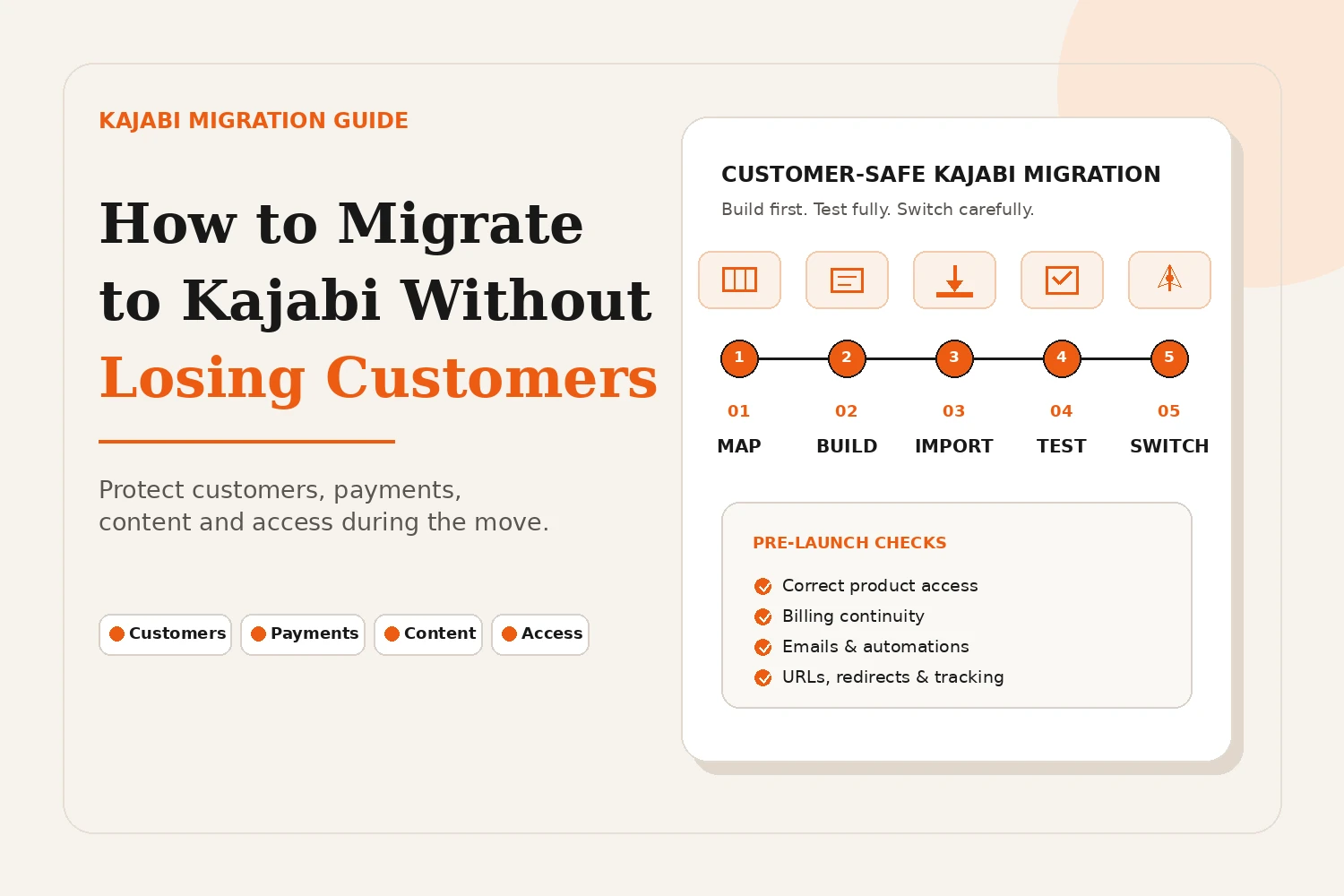
A customer-safe Kajabi migration should happen in stages instead of moving everything at once.
1. Map Your Current Customer Journey
Before building anything, follow the same journey your customers do today.
Where do they buy? Which product should they receive? What email comes next? Where do they log in? Is their access lifetime, subscription-based, or limited by date?
Documenting this first prevents customers from ending up with the wrong product or no access at all.
2. Build Kajabi Before Moving Customers
Create your Kajabi products, Offers, checkout pages, emails, and member experience before importing your existing customers.
This gives you a working destination to move people into instead of trying to rebuild important systems after they arrive.
3. Import Customers and Give Them the Right Access
Kajabi allows contacts to be imported using a CSV file. During the import process, you can map fields, add tags, and grant the appropriate Offer so an existing student or member receives access to the correct Product.
Be careful with email marketing permissions. Only import people as marketing subscribers when you have the appropriate consent; Kajabi specifically warns that subscribing people who did not opt in can hurt deliverability.
4. Protect Existing Subscriptions and Payment Plans
Recurring payments need their own migration plan. Do not cancel existing subscriptions before confirming how billing will continue in Kajabi.
For eligible Stripe subscriptions and payment plans moving to Kajabi Payments, Kajabi currently provides a migration process that can preserve the customer's billing schedule without requiring them to re-enter payment details. PayPal subscriptions cannot currently be migrated through this process.
If your billing setup is different, review each active subscription before changing anything.
5. Rebuild Important Emails and Automations
Recreate the emails that customers actually depend on, including welcome emails, onboarding sequences, purchase follow-ups, membership communication, reminders, and important automation triggers.
Do not assume an automation is working because it exists. Trigger it yourself and check what the customer actually receives.
6. Test the Entire Experience as a Customer
Before launch, use a test customer and complete the full journey.
Test the opt-in, checkout, payment, account setup, login, course access, emails, mobile experience, forms, buttons, and automations.
The goal is to find mistakes before your real customers find them.
7. Tell Customers Exactly What Is Changing
Your customers do not need a technical explanation of the migration. They need to know:
- When the change is happening
- Where they should log in
- Whether their payment is changing
- Whether their content and access remain available
- Who to contact if they need help
Send this information before the move and again when the new Kajabi experience is ready.
What Does Not Migrate Automatically to Kajabi?
A migration from another platform should usually be treated as a rebuild and transfer, not a one-click import.
Kajabi confirms that existing website designs and formatting from outside platforms do not automatically convert into Kajabi. Customers can be imported, but pages and other site elements may need to be rebuilt using Kajabi's tools.
Depending on the platform you are leaving, also verify course progress, automation history, custom integrations, page layouts, checkout logic, and other platform-specific data instead of assuming they will transfer.
How Do You Protect SEO During a Kajabi Migration?
To protect SEO when moving your website to Kajabi, keep important URLs as close to their existing structure as possible and plan what happens to every URL that changes.
Carry over important page titles, content, metadata, internal links, and image information. Kajabi allows you to control landing-page URL slugs and SEO settings.
For changed URLs, plan the appropriate redirect or forwarding method for your setup and test old links after launch. Kajabi's redirect options vary depending on the type of page and domain configuration, so this should be checked before switching traffic.
Common Kajabi Migration Mistakes to Avoid
Most customer problems happen because the migration is rushed, not because Kajabi itself is difficult to use.
Avoid:
- Moving customers before their Kajabi products and offers are ready
- Giving customers the wrong Offer or access level
- Canceling an old subscription setup too early
- Importing an entire contact list as marketing subscribers without checking consent
- Switching the domain before testing links, checkout, and login
- Forgetting important emails and automation triggers
- Closing the old platform before confirming customers can use the new one
A short overlap between the old system and Kajabi is usually much safer than an immediate hard switch.
How Long Does a Kajabi Migration Take?
There is no single Kajabi migration timeline.
A business with one course and a clean customer list will usually be much simpler to move than a business with several memberships, active subscriptions, funnels, automations, integrations, and an established website.
The migration is ready when customer access, payments, emails, and important URLs have been tested, not simply when the content has been copied.
Conclusion
A successful Kajabi migration should feel almost uneventful to your customers.
They should still know where to log in, find the products they paid for, receive the right emails, and continue paying correctly without unnecessary steps.
Build first, map customer access carefully, protect recurring payments, test the full journey, and only then complete the switch.
Need Help Migrating to Kajabi?
Move your courses, customers, offers, automations, website, and integrations to Kajabi with a migration plan built around keeping your customer experience running smoothly.
Start Your Kajabi MigrationFAQs
Can I migrate my existing customers to Kajabi?
Yes. Existing customers can be imported into Kajabi and granted the appropriate Offers so they receive access to the Products they already purchased.
Will customers lose access when I migrate to Kajabi?
They should not if their Products and Offers are created first and access is correctly mapped before the old platform is closed. Always test customer accounts before completing the switch.
Can existing subscriptions be migrated to Kajabi?
Eligible active Stripe subscriptions and payment plans can currently be migrated to Kajabi Payments in supported situations without asking customers to re-enter their payment details. PayPal subscriptions are not currently supported by that migration process.
Does Kajabi automatically migrate my website?
No. Kajabi states that website design and formatting from another platform do not automatically transfer, so pages generally need to be rebuilt inside Kajabi.
How do I migrate to Kajabi without losing SEO?
Preserve important URLs where possible, carry over valuable content and metadata, handle changed URLs carefully, update internal links, and monitor Search Console and 404 errors after launch.
Should I keep my old platform active during the Kajabi migration?
Yes, keeping the old system available until Kajabi has been fully tested gives you a safety net for customer access, payments, and unexpected migration issues.