
Introduction
A Kajabi HubSpot integration sounds like a big technical job but most of it comes down to one question. What do you want your team to know about a student without logging into Kajabi?
Imagine a sales rep calling a buyer to see if they need any help getting started. That buyer completed the course a week ago. Calls like that happen when your course activity is in one tool and your customer records are in another tool.
Decide Which Signals Deserve the Trip
Not every detail needs to make the trip. A handful of events cover most of what a team will ever act on.
Do this for one course first. Once it works, you can copy the same pattern across the rest.
Before you open any settings, ask your team what they would do with each signal. If the answer is nothing, leave that signal in Kajabi.
Sales will probably want to know about purchases. Support may care more about students who stop logging in. Marketing might want the finisher list for testimonial asks.
A few signals that usually earn their place:
- Purchases, so sales can follow up
- Cancellations, which someone should see quickly
- A completion tag
- Form fills from your landing pages
Create the HubSpot Properties First
Before anything connects, HubSpot needs labeled boxes to catch the data. I mean custom contact properties. Course name, purchase value and cohort date. Completion status.
Skip this and your data arrives with nowhere to land. Ten minutes here saves an afternoon of debugging later.
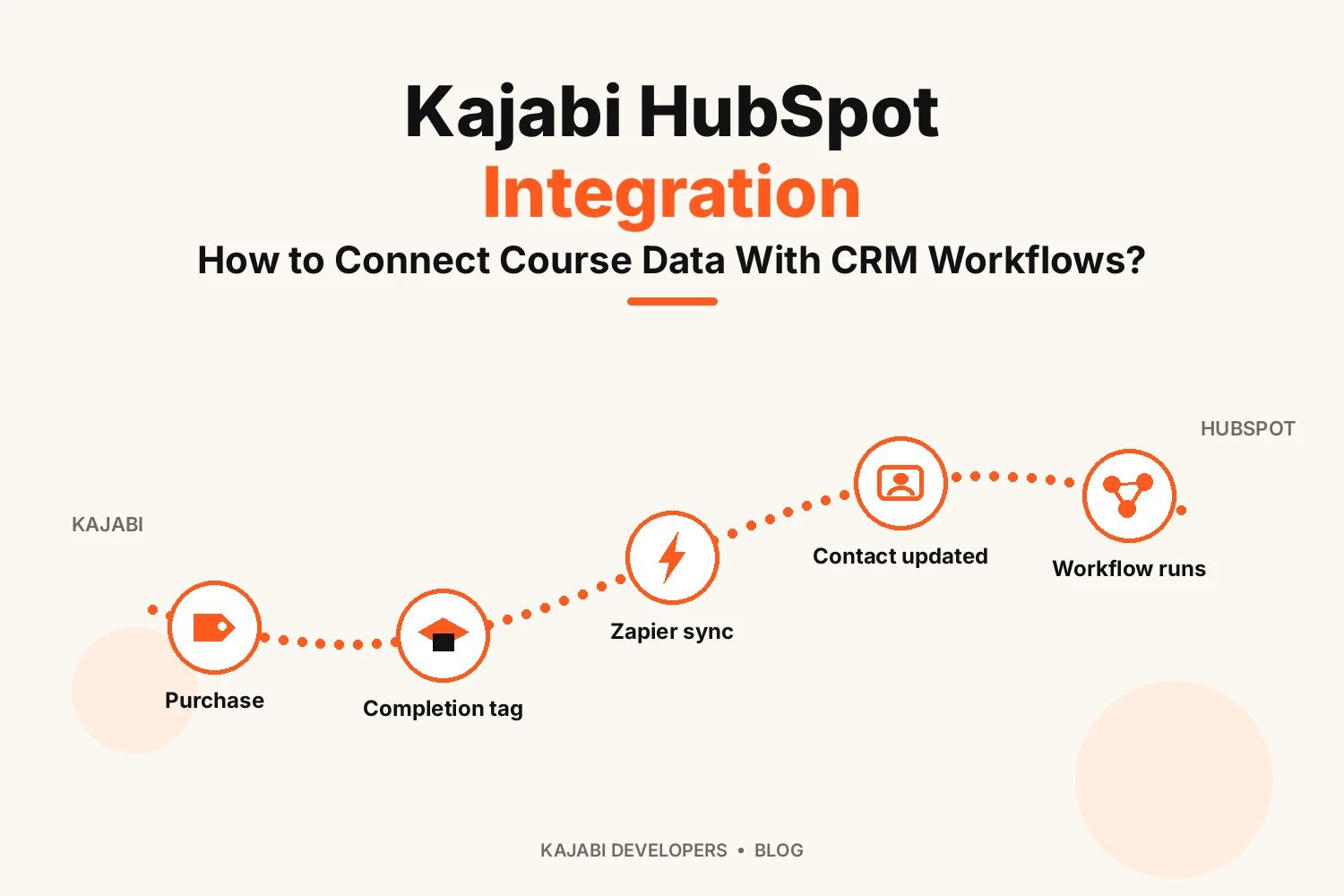
Move the Data with Zapier or Webhooks
There are two ways to move the data.
- Zapier: pick a Kajabi trigger (say, new purchase) and pair it with a HubSpot action. Zero code involved.
- Webhooks: Kajabi pushes event details straight to an address you own. Better fit when a developer wants to shape the data before it reaches HubSpot.
Most course owners are happy with Zapier. A Kajabi HubSpot integration built this way is usually the quicker route. Kajabi’s help center says webhooks are only on the Growth and Pro plans, so check yours first. Make works as an alternative if you already pay for it.
Map Each Kajabi Field to a HubSpot Property
Mapping is just matchmaking. This Kajabi field goes into that HubSpot property. One setting matters most: match contacts by email. On and repeat buyers update their record. Off and every purchase spawns a duplicate.
Map the rest carefully. Offer name into course name. Purchase value into value. Tags into the properties your workflows watch. Then buy your course and check that every field landed where it should.
Build Workflows on the Data
Now the useful part. With the fields filling up you can build workflows around them.
Some ideas:
- A new course name value puts the student into a welcome email series
- Status changing to Completed creates a task to ask for a testimonial
- A cancelled subscription alerts the account owner and sends a short win-back email
- Buying a starter course begins a sequence about the next level up
Switch on re-enrollment. Otherwise, a student buying a second course gets skipped next time round.
Test Twice: Once New, Once Known
Try it yourself before real students do. Use an email address you own, then fill in a Kajabi form or buy a test offer.
Open that contact in HubSpot and look for these:
- Just one contact record
- The right values in each property
- The workflow’s first action running
- No errors in the Zapier task history
Then repeat the test with an address that’s already in HubSpot. That shows whether the record is updated or a duplicate.
What About Lesson-by-Lesson Progress?
Only in part. Kajabi doesn’t push lesson-by-lesson activity into HubSpot on its own.
Milestones are more realistic. If your plan includes a completion or assessment trigger, use it to apply a tag. Zapier can spot that tag and update a HubSpot property or drop a note on the contact timeline.
From there a workflow takes over. Figures like percentage complete are better left in Kajabi. A CRM stuffed with tiny updates turns unreadable fast. If lesson-level tracking truly matters, get a developer to look at the webhook route.
Conclusion
The Kajabi HubSpot integration is best when it is small. Build the fields and pick the signals your team will act on first. Send events via Zapier or webhooks and let workflows take it from there.
Test everything twice. First time use a new email, second time use an old one. Then you can use the same setup for your other classes.
FAQs
Does Kajabi connect directly to HubSpot?
Not directly. You connect the two using Zapier or webhooks.
What Kajabi data can I send to HubSpot?
Contact details, form submissions, purchases, tags and results of assessments. What you’re able to send depends on the triggers your Kajabi plan gives you.
Can I track lesson-by-lesson progress in HubSpot?
In part. Milestones, like a completion, can reach HubSpot through tags or assessment triggers.
Can a Kajabi purchase trigger a HubSpot workflow?
Yes. A purchase creates or updates the contact and that update can enroll them in a workflow.
Can course completion start a HubSpot workflow?
Yes, once a completion signal reaches HubSpot as a property value or a note. The workflow starts with that update.
Do I need a developer to connect Kajabi and HubSpot?
No. Webhooks on the Growth and Pro plans can send data to HubSpot’s API with custom code. Zapier is just quicker to set up.