
Introduction
A useful Kajabi website audit checklist looks at the whole journey, not just the homepage. It checks how people find information, understand an offer, complete an action and reach the right next step after they buy. It is quite easy, you need to find out what makes it difficult for your website visitors.
Kajabi Website Audit Checklist: Quick Answer
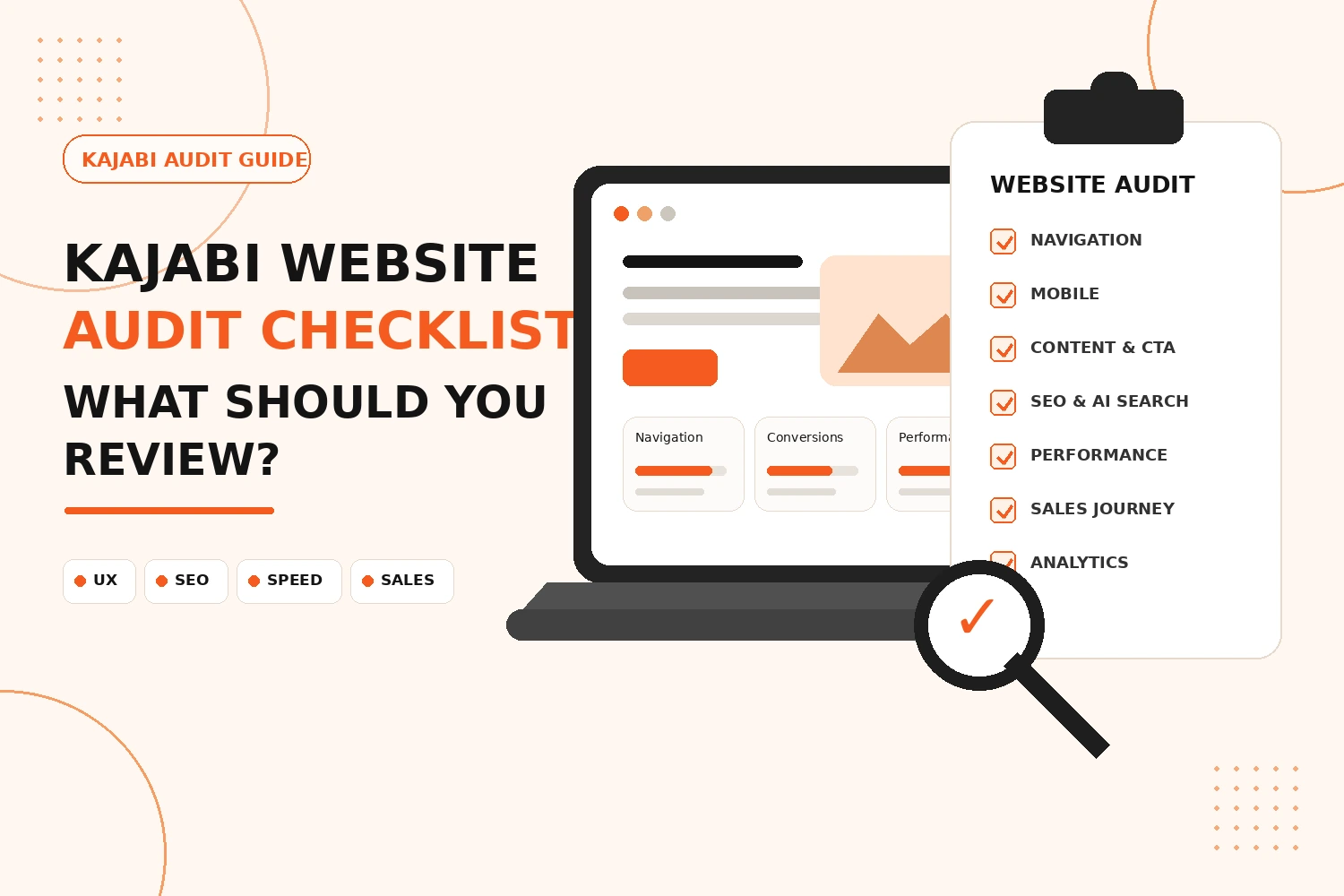
A Kajabi website audit should review site structure, navigation, mobile layout, content, calls to action, SEO, page performance, forms, sales pages, checkout, analytics and tracking.
Work through the site in the same order a visitor would:
- Find the right page
- Understand the offer
- Decide what to do next
- Complete a form or purchase
- Receive the correct follow-up or access
Is Your Kajabi Website Structure and Navigation Clear?
Start with structure before changing colors, fonts or individual page sections.
When a visitor enters your website, he/she should know where he/she is and how he/she can navigate to other places within the website without even looking at the menu bar.
- Are the most important pages easy to reach?
- Do menu labels say what the page contains?
- Are outdated or duplicate pages still linked?
- Can visitors move naturally from information to an offer or inquiry?
- Do footer links help people reach useful supporting pages?
- Are there pages with no obvious route into or out of them?
Does Your Kajabi Website Work Properly on Mobile?
Responsive design needs more than a quick phone preview.
Content, images, buttons and spacing can behave differently on a narrow screen. A layout that feels balanced on a laptop can become tiring once every section stacks vertically.
Review the main pages on a real phone where possible.
- Text that becomes difficult to read.
- Buttons that are hard to tap.
- Oversized gaps between sections.
- Images that crop badly.
- Forms that require awkward scrolling.
- Menus that are difficult to use.
- Sales pages where the main action gets buried.
Are Your Content, Messaging and Calls to Action Clear?
Without looking at its design, go through the website. Is it possible for a new user to quickly understand what kind of services you provide, to whom and what he needs to do next?
Each important page should have one main job. A course page may explain the program and move a suitable visitor towards the offer. A lead-generation page may need to earn an email signup.
Flag:
- Headlines that do not explain the page.
- Long introductions that delay useful information.
- Several competing calls to action.
- Vague button labels where a specific action is possible.
- Important questions answered too late.
- Old copy that no longer matches the offer.
Is Your Kajabi Website Properly Optimized for SEO and AI Search?
SEO starts with making each page easy to identify.
Review the page title, main heading, URL, meta description and on-page copy together. They should describe the same topic rather than send mixed signals.
For each important page, check:
- Is there one obvious primary topic?
- Does the title accurately describe the page?
- Is the main heading specific?
- Does the copy answer likely search questions?
- Are related pages linked where useful?
- Are old pages competing for the same intent?
- Are important pages indexable and easy to reach?
For AI search and answer engines, plain structure helps. Direct definitions, descriptive headings, short answers to specific questions and useful supporting detail make the subject easier to interpret.
Are page speed, images and technical elements working properly?
Technical problems often show up as small annoyances first.
Open important pages on mobile data as well as a normal connection. Watch for slow-loading images, delayed buttons, broken sections or scripts that interfere with forms.
Check:
- Large or unnecessary image files.
- Broken images or missing media.
- Buttons leading to the wrong destination.
- Forms that do not submit.
- Embedded content that breaks the layout.
- Custom code causing visual or functional issues.
- Pages that feel noticeably slower than the rest.
- Old scripts or integrations no longer being used.
Does the Kajabi Sales Journey Work From Visit to Purchase?
Test the sales journey as a sequence, not as separate pages.
Treat the landing page, form, offer, checkout and follow-up as one route. Choose your main offer and follow it from the first entry page to the final customer step. Kajabi Developers also treats pages, offers, forms, checkout and automations as connected parts of the customer journey when developing and reviewing Kajabi platforms.
Test:
- Landing or sales page.
- Form submission where used.
- Offer button and checkout.
- Payment path.
- Thank-you or confirmation page.
- Follow-up email.
- Product or course access.
Is Your Analytics and Conversion Tracking Set Up Correctly?
Tracking is useful only when you trust the numbers.
Decide what matters on each key page. It may be a form submission, booked call, checkout visit or completed purchase. Then confirm that the action is actually recorded.
Review:
- Whether analytics is active.
- Whether important conversions are tracked.
- Whether the same conversion fires more than once.
- Whether forms, landing pages and checkout routes can be measured.
- Whether old tracking scripts remain.
- Whether performance data is reviewed regularly.
What Should You Fix First After a Kajabi Website Audit?
Do not turn the audit into a fifty-item redesign wish list.
Rank findings by business impact:
- Broken journeys: forms, checkout links, payment paths, access problems and major mobile issues.
- Confusing conversion points: unclear offers, weak calls to action and difficult navigation.
- Search problems: weak page focus, titles, indexing issues and content gaps.
- Performance issues: slow images, unnecessary scripts and layout problems.
- Visual polish: spacing, consistency and low-impact styling changes.
Fixing the highest-impact problems first also makes it easier to see whether the changes helped.
Final Thoughts
A Kajabi website audit works best when you stop looking at the site as a collection of pages. Follow the route a real visitor takes. Can they find the right information? Does the page make sense? Is the next action obvious? Does the form or checkout work? Can you measure what happened afterwards?
This process will help you come up with more helpful changes compared to simply designing some parts since they have been in use for a long time.
Need Help Improving Your Kajabi Website?
We can review your Kajabi website, identify the highest-impact issues and help improve the pages, journeys and technical setup that matter most.
Improve My Kajabi WebsiteFAQs
What should a Kajabi website audit include?
It should review navigation, mobile usability, content, SEO, page speed, forms, checkout, sales funnels and analytics and tracking.
How often should you audit a Kajabi website?
Audit it after major website, offer or funnel changes, then review it periodically to catch broken links, outdated content and tracking issues.
What should you check first during a Kajabi website audit?
First, analyze the customer journey. Make sure that users can locate important pages, comprehend the offer, fill out forms and make purchases without any difficulty.
Does a Kajabi website audit include SEO?
Yes. Review page titles, headings, URLs, meta descriptions, internal links, indexability and whether each page matches search intent.
Can a Kajabi website audit improve conversions?
Yes. It can reveal unclear messaging, weak calls to action, mobile issues, broken forms and checkout friction that may stop visitors from taking action.
Should you audit a Kajabi website before redesigning it?
Yes. An audit shows which problems need fixing, so you can improve the right pages instead of rebuilding the entire website unnecessarily.