
Introduction
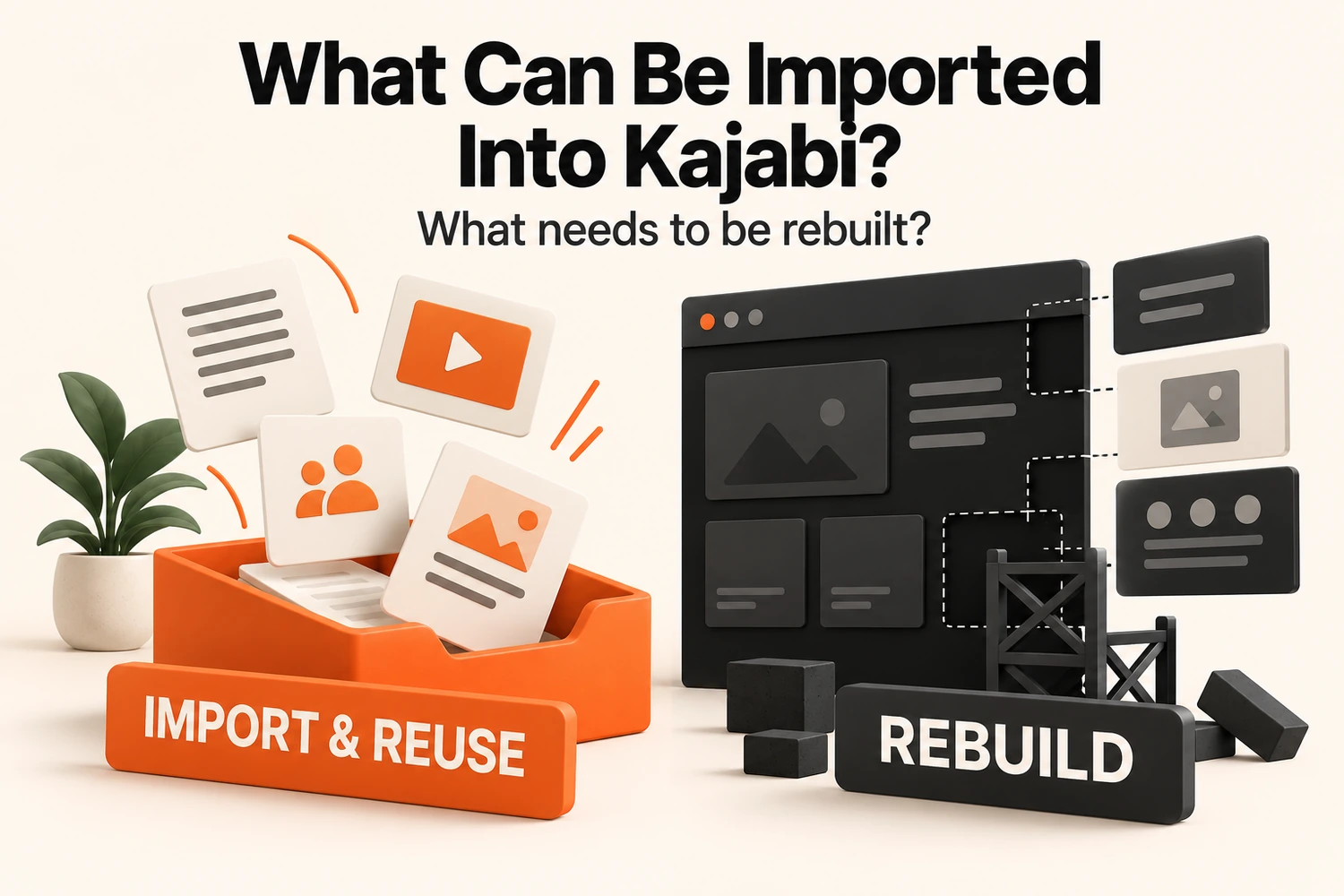
If you are asking what can be imported into Kajabi, the short answer is this: data and reusable content can often be brought across, while layouts, automations, funnels, and platform-specific structures usually need a fresh Kajabi setup. Moving to Kajabi is rarely as simple as pressing one import button and seeing an old platform appear in a new account.
Kajabi Import vs Rebuild: Quick Comparison
Some parts can move into Kajabi, while others need to be recreated or configured to work properly.
| Existing item | What usually happens in Kajabi? |
|---|---|
| Contacts and customer records | Imported and mapped |
| Course videos, PDFs, audio, and lesson copy | Reused and added to Kajabi |
| Course structure | Rebuilt as Kajabi modules and lessons |
| Products, pricing, and member access | Mapped, then configured in Kajabi |
| Website copy and images | Reused on rebuilt pages |
| Website layouts and themes | Rebuilt |
| Email sequences and automations | Recreated |
| Funnels and sales pathways | Rebuilt around Kajabi |
| Tags and custom fields | Mapped or reconfigured |
| Domain, analytics, and tracking | Reconnected and tested |
| Custom features and integrations | Reviewed individually |
The useful question is not simply, “Can this move?” It is, “Can it move as it is, or does Kajabi need its own version?”
What Can Be Imported Into Kajabi?
Customer data and certain existing content can be brought into Kajabi without rebuilding everything from scratch.
Contacts and Customer Information
Contacts are one of the most straightforward parts of a Kajabi migration. Customer or subscriber data can be prepared in a CSV file and imported into Kajabi. The important part is making sure the old fields match the information you still need.
That may include:
- Name
- Email address
- Phone number
- Relevant custom fields
- Tags or grouping information
- Subscriber status
- Information used to identify which product or membership somebody owns
The import itself is only part of the job. A contact can arrive in Kajabi without automatically receiving the same access or customer treatment they had before. Those relationships need to be mapped properly.
Course Content and Learning Materials
Course material is often more portable than the course setup around it. Reusable material may include:
- Video and audio lessons
- Lesson text
- PDFs and worksheets
- Images
- Downloadable resources
- Supporting files
These assets can be added to Kajabi without rewriting the teaching material.
What does not travel in the same way is the structure around those files. A video is portable; the old lesson container, release rule, navigation behavior, or assessment setup is not. So plenty of course material can move without the whole course being directly importable.
Products, Offers, and Membership Access
Products and memberships contain useful information even when the live selling system itself cannot be imported.
That information may tell you:
- What did the customer purchase?
- Whether they paid once or on a recurring basis?
- Which content should they receive?
- Whether access is permanent or limited?
- Which program or membership do they belong to?
The commercial information can be retained. Kajabi still needs its product, offer, and access arrangement to represent it.
What Needs to Be Rebuilt in Kajabi?
Platform-specific layouts, workflows, and functionality usually need to be recreated within Kajabi’s own system.
Website Pages and Layouts
A website page is more than its copy and images. The original website system creates its sections, spacing, menus, forms, and responsive behavior.
Those layout instructions do not turn into Kajabi page-builder instructions through an import. You can still reuse page copy, images, logos, testimonials, downloads, and brand references. The working page itself needs a Kajabi version.
Email Campaigns and Automations
An email has two separate parts: what it says and what makes it send. The written message can be reused. The automation behind it generally needs a new setup.
For example, the welcome email may stay almost unchanged, but Kajabi still needs to know what triggers it, when it should send it, and what should happen afterwards.
Funnels and Customer Pathways
Funnels do not arrive as finished journeys either. The copy and creative assets can be reused, but landing pages, forms, sales pages, offers, checkout links, and follow-up steps need to be connected again.
For example:
Opt-in page → form → email sequence → sales page → checkout → product access
Kajabi needs that route built around its pages, forms, offers, and automations. This is why moving a funnel is different from copying a landing page. The page is only one part of the route a lead or buyer follows.
Custom Features and Integrations
Custom functionality needs to be judged by what it does, not by how it was originally built.
A feature may depend on a plugin, embedded script, platform-specific app, or custom code. Kajabi may handle the same job differently.
Ask:
- What result does the feature produce?
- Can Kajabi handle that result natively?
- Does an outside service still need to be connected?
- Is custom development still required?
What May Need Partial Rebuilding or Reconfiguration?
Some items are not a clean “import” or "rebuild." They need mapping first.
Tags, Fields, and Segmentation
Tags and fields can carry useful information, but not every old label deserves a place in the new account. A tag such as “VIP Member” may still matter. A label created for an old launch may no longer be relevant.
Keep information that still answers a current business question:
- What does this person own?
- What are they interested in?
- Which group do they belong to?
- Should a particular communication apply to them?
Course Structure and Member Access
Course content and member access often fall into different categories. Files may be reusable while the learning path needs rebuilding. A member record may be imported while their relationship with the content needs a new setup.
Integrations, Domain, and Tracking
Domains, analytics, and tracking are not ordinary content imports. Your domain may stay the same, but it has to point to the new destination. You can still use the same analytics account, but the tracking connection must be set up in Kajabi.
Integrations work in a similar way. The external account can remain while the way it connects to Kajabi changes.
Does What Can Be Imported Into Kajabi Depend on Your Current Platform?
Yes. The source platform affects both what can be exported and how much of the existing setup depends on platform-specific behavior.
Before deciding whether an item can move, identify what it actually is:
- A structured record
- A downloadable file
- Written content
- A page-builder layout
- An automation rule
- A connection controlled by another service
The more independent an asset is from the source platform, the easier it is to carry forward. The more its behavior depends on that platform, the more likely Kajabi will need its version.
This is why two businesses with similar courses can still have very different migration requirements.
Conclusion
The answer to what can be imported into Kajabi becomes much clearer once you stop treating an entire website, course, or marketing system as one transferable object. Course videos and documents are reusable assets. Page layouts and automation logic are platform structures. Tags, access rules, domains, and integrations often sit somewhere in between.
Keep what is genuinely portable. Reuse content that still has value. Rebuild the parts whose behavior is tied to the old platform. Reconfigure the pieces that need a new Kajabi relationship.
Plan What to Import and Rebuild
We can review your existing contacts, course content, pages and workflows, then map the setup your business needs in Kajabi.
Plan My Kajabi MigrationFAQs
What can be imported into Kajabi?
You can import contact data and other structured customer information. Course files, copies, and media can also be reused, while platform-specific layouts, workflows, and automation behavior usually need a Kajabi setup.
Can I import contacts into Kajabi?
Yes. Contact information can be brought into Kajabi when it is available in a suitable export format. Customer access and automation behavior should be treated separately from the contact record.
Can existing courses be imported into Kajabi?
Course files transfer, but the module structure, drip settings, and quizzes need to be rebuilt inside Kajabi.
Can I import my existing website into Kajabi?
Not as a complete working layout. Website copy, images, and brand assets can be reused, but the page structure and design need a Kajabi version.
Can I import my email sequences and automations into Kajabi?
The email wording can be reused, but the rules that control timing, triggers, and follow-up actions need to be configured for Kajabi.
What usually needs to be rebuilt when moving to Kajabi?
Website layouts, course organization, automation logic, funnel connections, and platform-specific functionality are the main rebuild areas. Tags, access rules, and integrations usually need reconfiguration rather than a simple import.