
Introduction
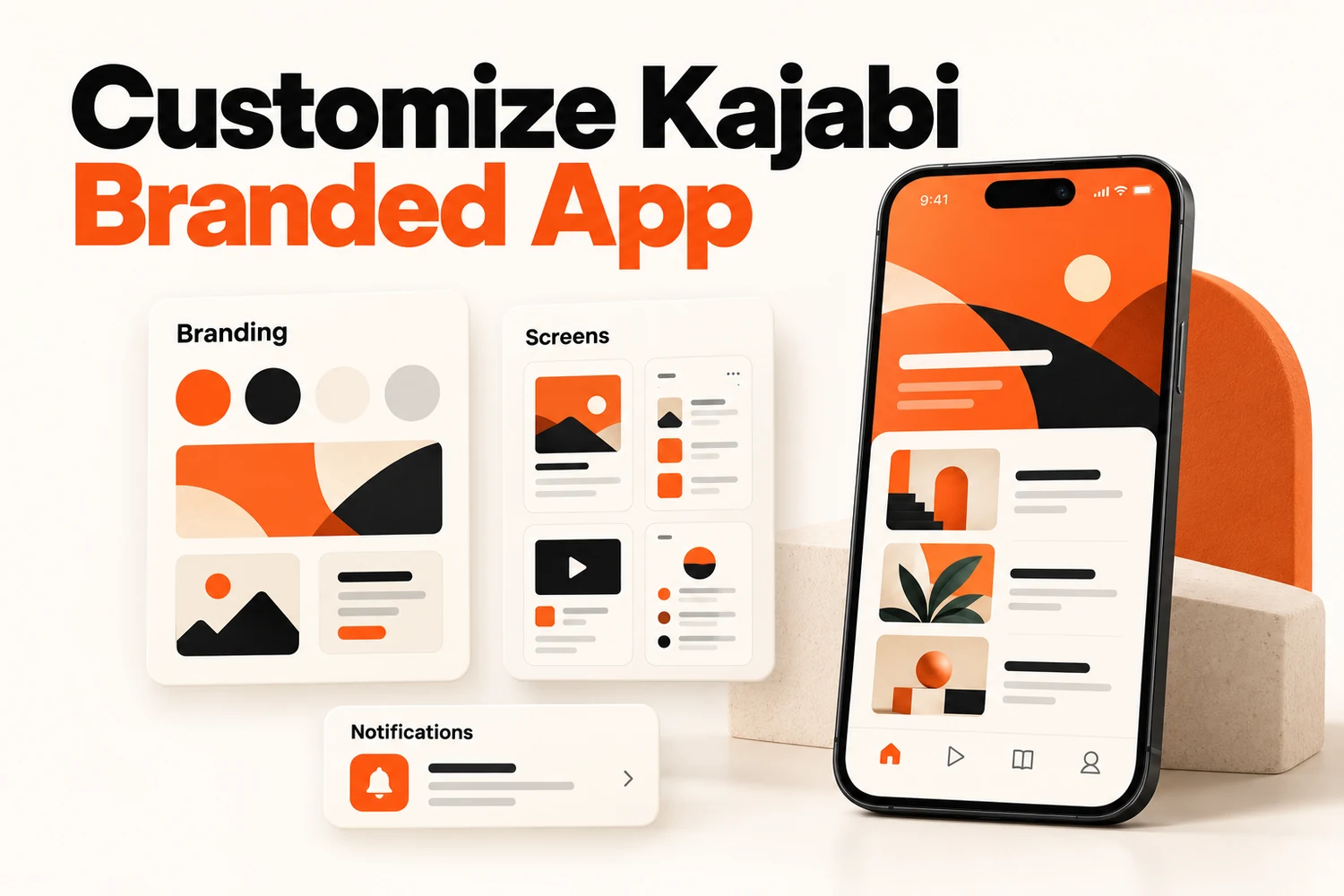
When you customize Kajabi branded app, you’ll work across two different areas, and many owners only discover one of them at first. Brand assets like the app name, logo, and icon are managed within Kajabi’s Settings, while screens, widgets, and links are controlled through the Design tab.
To customize Kajabi branded app, open the Branded App tab, click Design, then Customize. Brand assets are edited separately, under Settings.
This guide covers branding first, then design and then features. It also lists what can't be changed, so you don't plan around something the app won't do.
What Can You Customize in a Kajabi Branded App?
A Kajabi-branded app allows you to customize several parts of the member experience, from the first screen users see to how they interact with your content.
The main customization areas include:
- App branding and visual identity
- Welcome and onboarding experience
- Custom screens and layouts
- Navigation structure
- Product and content display
- Push notification experience
- Member content journey
The goal is not just to change colors or images. The real purpose is creating an app experience that feels like an extension of your business.
For example, a coaching business may want a simple experience focused on programs, resources, and client support, while a course creator may prioritize lessons, communities, and learning progress.
How to Customize Kajabi Branded App Branding for Your Business?
Branding is one of the first things members notice when they open your app. A strong visual identity helps create familiarity and makes the experience feel more personal.
Match Your Existing Brand Identity
Your mobile app should feel like the same brand customers already know from your website, emails, and courses. A consistent brand experience helps members immediately recognize your platform.
You can align your app with your existing identity by focusing on:
- Brand colors
- Logo usage
- Images and visual style
- Tone of messaging
- Overall content presentation
For example, if your website uses a clean and professional design style, your app should avoid looking entirely different. Small details like colors, images and content arrangement help create a smoother experience.
Create a Recognisable Mobile Experience
The App Store and Google Play listings count as branding too. Kajabi lets you write your own store description and add custom screenshots, so the listing matches the rest of your brand. A branded app should make it easy for members to understand where they are and what they can do next.
A strong mobile experience usually includes:
- Clear navigation
- Simple content organization
- Easy access to important resources
- Consistent visual elements
- Logical user flow
Avoid adding unnecessary sections just because they are available. Every screen should have a purpose.
How Do You Customize the App Design and Screens?
Design changes move faster than branding. Kajabi's guides say Save & Publish sends them to the live app, so nothing needs rebuilding.
Welcome screen, look at this one first. It is off by default. Leave it off and only people with an existing member account can log in, because new users just see the standard login screen. Switch it on and you can add your branding and let new users create a member account from the app. If you want downloads to turn into new members, that setting is the difference between a working sign-up and a dead end.
Then work through the rest:
- Onboarding carousel: a set of images members see the first time they open the app. Three or four is plenty.
- Home widgets: Product widgets show your courses, coaching, products and community. Image widgets work as buttons that link to pages, blogs or URLs. Either type can display as an auto-rotating carousel or a horizontal scroll.
- Custom links: a floating button that opens a menu of page links you choose.
A product only shows in a widget if the member owns it or it belongs to an app offer. If something is missing from someone's screen, check ownership first.
How Do You Customize Branded App Features?
Beyond the design, the customized Kajabi branded app also includes different features that improve how members interact with your content.
Custom Pages
Kajabi calls these custom screens. Each one works as a page inside the app and the home screen is where you welcome members and point them to courses.
- Add screens and give each a tab title and an icon from Kajabi's icon library
- Create hidden "other" screens, handy for capturing leads without adding them to the navigation
- Remove any screen with the X icon
Push Notifications
Push notifications help businesses stay connected with members after they download the app. However, notifications should be used carefully. Sending too many updates can create frustration. The best notifications provide useful information at the right time.
They can be useful for:
- New content announcements
- Course reminders
- Community updates
- Important messages
Examples:
- “Your next course module is now available.”
- “A new resource has been added to your program."
- “You have a live coaching session reminder.”
Content Delivery Experience
A successful branded app is not only about appearance. The way members access content matters just as much. Your content experience should make it easy for users to:
- Continue lessons
- Find previous resources
- Access programs
- Navigate between sections
For course creators, this task means organizing learning content clearly.
For coaches, it may mean making resources, sessions and supporting materials easier to access. The app should support the way your audience actually consumes your content.
What Customizations Are Not Possible in a Kajabi Branded App?
Although Kajabi offers several customization options, there are still platform limitations. A branded app is not the same as building a completely custom mobile application from scratch.
Some limitations include:
- Full control over every app element is not available
- Advanced backend functionality cannot be added freely
- Some native app behaviors remain controlled by Kajabi
- Custom development options are limited compared to building a standalone app
For most course creators and membership businesses, Kajabi provides enough flexibility to create a professional branded experience. However, businesses requiring highly specialized app functionality may need a fully custom mobile app solution.
The right approach depends on your goals, audience and required features.
Final Thoughts
A Kajabi-branded app helps businesses create a more connected and engaging experience for their members. When you customize Kajabi branded app around your brand identity and audience needs, you can organize content more effectively and create a smoother experience for users. The most successful apps are not defined by the number of features they offer, but by how clearly each screen guides members and helps them achieve their goals.
Start with your audience, understand what they need most and customize the app experience around that journey.
FAQs
Can you show different app pages to different members?
Yes. Kajabi's Variants feature personalizes pages in a branded app and product widgets already vary with what each member owns.
Can I create custom screens in a Kajabi-branded app?
Yes. Add or edit screens in the Design tab, then click Save & Publish.
What can you customize in a Kajabi-branded app?
You can customize branding elements, welcome screens, widgets, custom screens, navigation options, images, text sections, products and content presentation.
Can I customize Kajabi-branded app navigation?
Yes. You can adjust navigation tabs, rename navigation items, change icons and choose which screens appear in your app navigation.
Does a customized Kajabi branded app require coding?
No. Many customization options are managed through Kajabi’s available settings and features. More advanced requirements may require technical support.