
Introduction
Lena runs a free language practice group with about 400 members. They chat daily and she answers questions in her spare time. It's a lively group. It also eats up hours every week and brings in nothing.
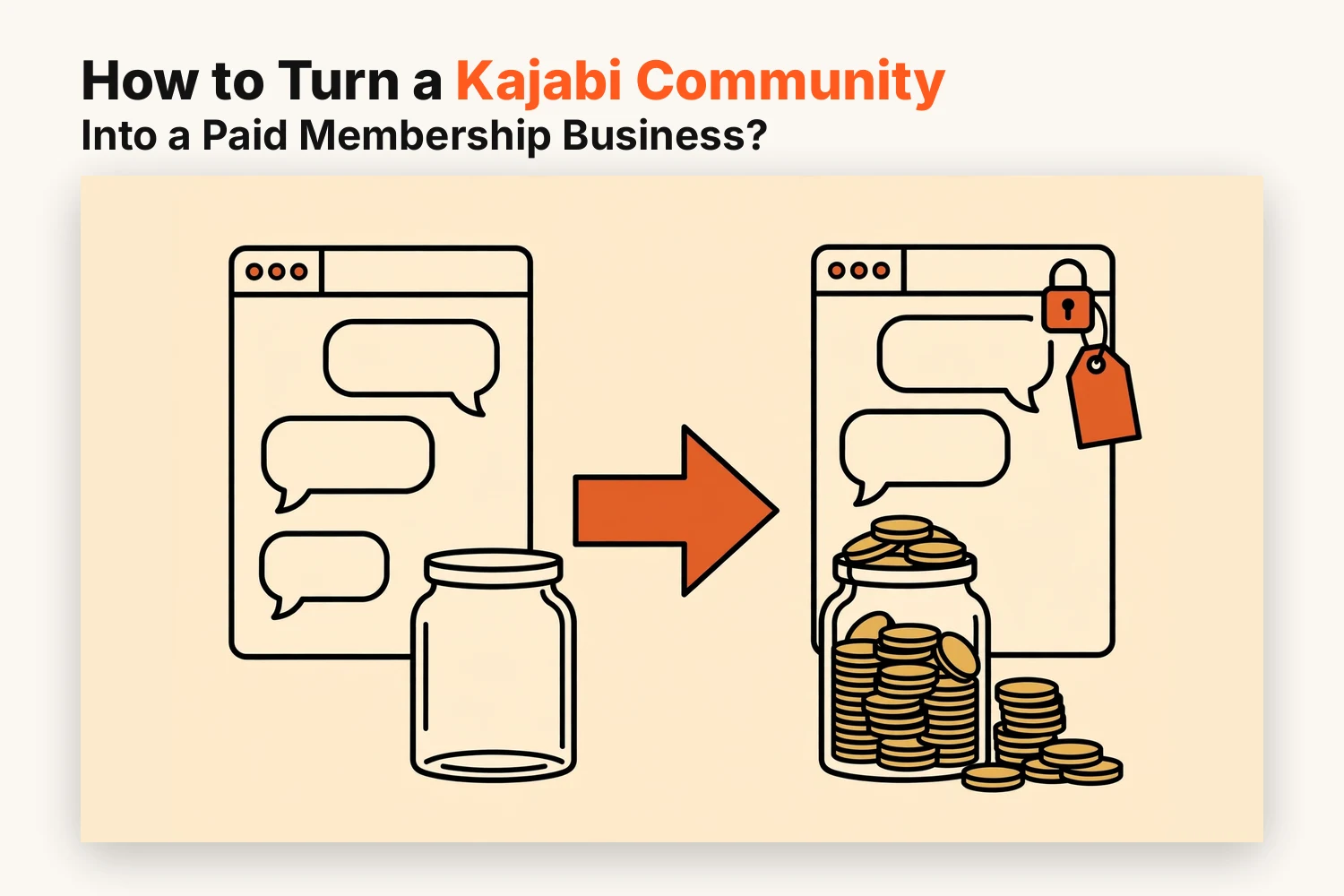
A kajabi community builds trust fast, but trust alone doesn't cover your time. A paid membership gives the group steady income and gives members a reason to stay active.
This guide shows how paid access works and what to charge. It also covers the setup and how to bring your free members along.
How Does a Paid Kajabi Community Membership Work?
A paid membership runs on three parts that work together:
- The community: the space where members post and reply and join events
- An access group: a setting that decides who can enter which channels
- An offer: the product people buy, with a price and billing schedule
When someone buys the offer, Kajabi adds them to the access group. That group opens the channels you've linked to it. If they cancel and the subscription ends, the access ends too.
You don't need code for any of this. You're connecting pieces that already exist in your account.
Your price lives on the offer and your rules live on the access group. Keeping those jobs apart makes later changes much easier.
Which Community Benefits Should Be Reserved for Paying Members?
If you lock everything, nobody sees the value. If you lock nothing, nobody has a reason to pay. A good rule is to keep the welcome space open and charge for the help.
Free members can keep:
- An introductions channel
- Public discussion threads
- A few sample posts that show your style
Paying members can get:
- Private channels for deeper topics
- Live sessions and Q&A calls with you
- Replays and resource libraries
- Direct feedback on their work
How Much Should You Charge for Membership Access?
There's no standard figure. The right price depends on what members receive and who they are.
Think about these points first:
- How much of your time the membership uses
- The result members can expect
- What similar communities in your niche charge
- Whether your audience is made up of hobbyists or professionals
A lower monthly price suits a community that runs mostly on peer chat. A higher one makes sense when you host live calls or give personal feedback.
You can also offer yearly billing next to monthly. It rewards commitment and gives you steadier cash flow.
If you're unsure, start modestly. Raising prices for new joiners later is easier than cutting them. Early members can keep their original rate as a thank-you.
How to Set Up a Paid Kajabi Community in 5 Steps
Once the offer is clear, work within your existing community.
Step 1: Review Your Existing Community Access
Open your community settings and see who can enter right now. Note which channels are public and which are limited.
Then list every channel and label it free or paid. That list becomes your plan for the next steps.
Step 2: Create a Paid Access Group and Exclusive Channels
Create a new access group for paying members and give it a plain name like "Premium Members."
Next, limit your chosen channels to that group. Free channels stay open to everyone. Keep channel names simple so members understand what's inside without a tour.
Step 3: Set Recurring Pricing on the Connected Offer
Create an offer and attach the access group to it. Then choose a subscription price with monthly billing or yearly billing. You can add both as separate pricing options.
Make sure the offer name matches what your sales page promises. A mismatch at checkout makes buyers hesitate.
Step 4: Connect Your Membership Page to the Offer Checkout
Build a short page that explains what members get. Show the price and add one button that leads to the offer's checkout.
Cover what's included and who it suits. One testimonial from a current member helps if you have it.
Step 5: Test Payments, Access Permissions, and Member Onboarding
Buy the offer yourself with a fresh email and a 100% off coupon. Then check these points:
- The new account lands in the right access group
- Paid channels open and free ones still work
- The welcome email arrives
- A cancelled test account loses access when it should
Pin a short welcome post that tells new members where to start. First impressions decide who stays.
How Do You Introduce Paid Access to Existing Free Members?
Your current members joined for free. A sudden change can feel unfair if you don't explain it.
Kajabi won't charge anyone on its own. Free members stay free until they choose to buy.
A smooth rollout usually looks like this:
- Announce the change early with a clear date
- Explain what stays free and what moves
- Share your reason in plain terms
- Offer a founding rate for the first week
- Keep a few paid perks visible so free members can see what they'd gain
Lena posted a note two weeks ahead. She also hosted one open session so people could try the paid style. Many joined during that first week.
Don't push the free side away. Members who stay free still help the group grow and may upgrade later.
Conclusion
Turning a kajabi community into a paid membership doesn't need a rebuild. You need an access group and a recurring offer and a page that explains the value. Decide what stays open and what moves behind the paywall. Then test the whole journey before you announce anything. If you'd like help with the setup, Kajabi Developers can build the pages and offers around your community.
FAQs
Will Kajabi automatically charge my existing free community members?
No. Free members aren't charged unless they buy your paid offer. Moving them to paid access requires their own purchase.
Do I need to create a separate course to sell paid community access?
No. You only need an offer connected to a community access group. A course isn't required.
Can I offer a free trial for a paid Kajabi Community membership?
Yes. Subscription offers can include a trial period. Billing begins once the trial ends. Check that your plan and payment processor support it.
Can I give existing community members a discounted subscription?
Yes. Create a coupon code or a separate lower-priced offer. Share it only with your current members.
What happens to community access when a paid membership is cancelled?
Access to paid channels ends when the paid period ends. The person keeps access to any free channels. Test this with a cancelled account before you launch.