
Introduction
Kajabi checkout optimization is mostly about removing the small hesitations that show up right before someone pays. A visitor who reaches checkout usually wants what you sell already, so a confusing form or a missing payment option can cost you a sale you’d normally win.
Picture a photographer selling a six-week course. Her sales page brings steady visits, and plenty of people click through to pay, yet many back out once the form loads. The course and price haven’t changed. Something on the checkout page is putting people off.
Kajabi Checkout Optimization: What Actually Reduces Purchase Friction?
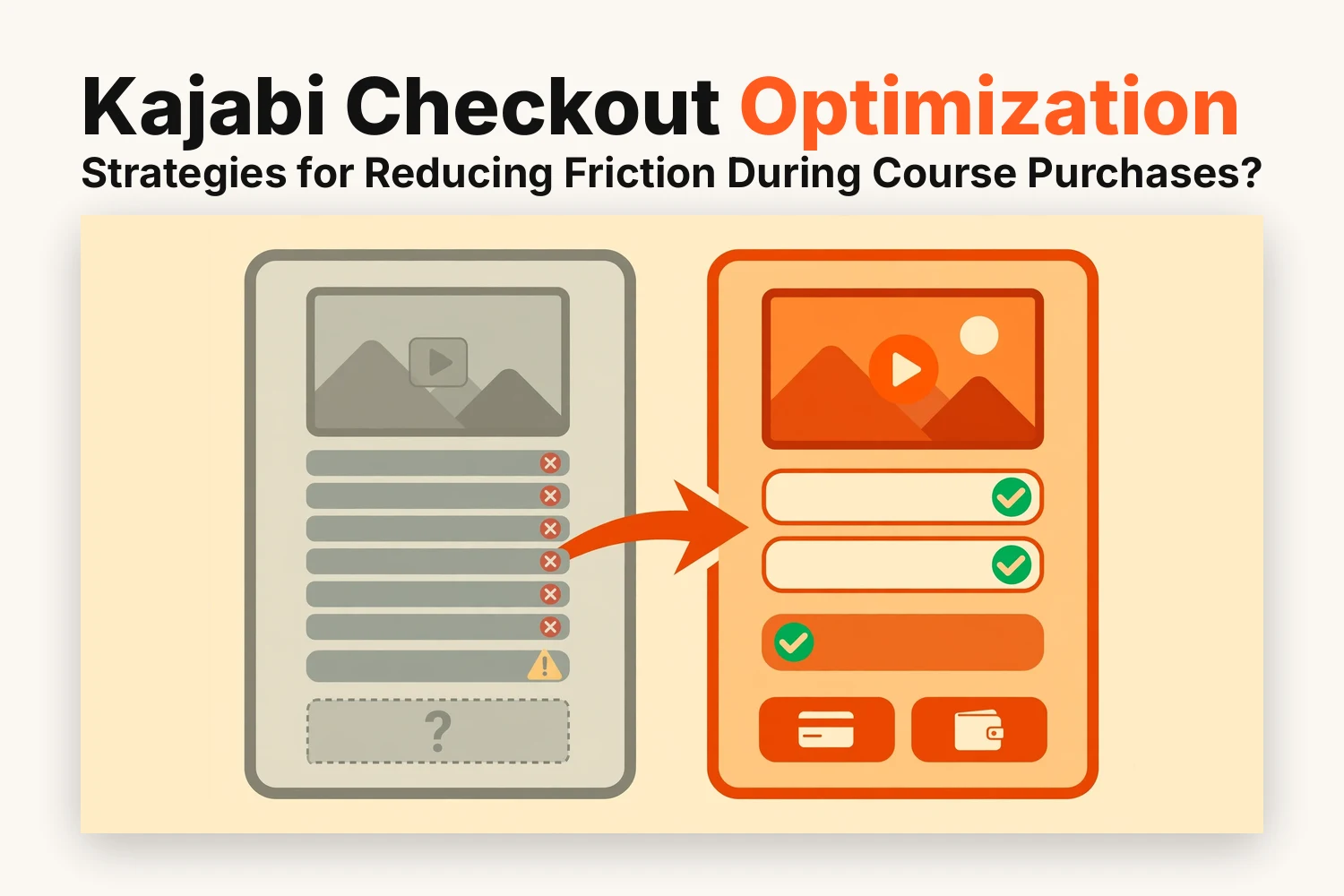
Purchase friction is anything that makes paying take more thought or effort than it should. In Kajabi it usually traces back to three things:
- Information buyers can’t find, such as what’s included or how payments work
- Effort you’ve added without meaning to, like extra fields or an unneeded account step
- Payment choices that don’t match how people want to pay
Most of the fixes live in your offer and checkout settings, so you rarely need code or extra tools.
7 Ways to Make Kajabi Course Checkout Easier
You don’t need to apply all seven at once, and a couple of them will matter more than the others for your offer.
1. Choose the Right Checkout Format for Your Course Offer
Kajabi gives you several ways to present payment. Match the format to how much a buyer needs to read before paying.
- Enhanced Checkout: a dedicated page for each offer that’s mobile-friendly and branded with no code
- Popup Checkout: a pop-up over the page the buyer is already viewing
- Checkout Section: a payment block placed right on a landing or website page
Buyers who want details first tend to suit a full Enhanced Checkout page. Buyers already sold by your page may only need the pop-up.
2. Clarify Course Inclusions and Access Before Payment
Nobody likes paying for something they can’t quite picture. By the time a buyer reaches checkout, they’ve forgotten half of what your sales page said, so the checkout should remind them what they’re getting.
Enhanced Checkout is customizable, so you can say a few things directly on the page:
- The name of the offer with a one-sentence description
- Which modules or bonuses come with it
- How long access lasts
- Whether lessons open straight away or on a schedule
3. Show Pricing and Future Payment Terms Clearly
Price confusion often has little to do with the number itself. People get nervous when they can’t tell what happens after the first payment.
Enhanced Checkout lets you put a one-time payment and one or more payment plans inside the same offer so buyers choose on the page. If your offer still runs on Legacy Checkout, you’ll need to upgrade it before this option shows up.
When you set up a payment plan, spell out the following so nobody has to work it out alone:
- How much each payment is and how many there’ll be
- When the later payments get charged
- What the full total comes to
You can mark one option as recommended and drag the options into any order you like. The one listed first appears first and is selected by default, so put the option you’d like buyers to choose at the top. Kajabi updates the header and order summary when someone switches, so the numbers on screen follow their choice.
4. Reduce Checkout Fields and Avoid Unnecessary Password Prompts
Every extra field is one more thing a buyer has to stop and think about. A digital course rarely needs more than a name and an email address, so it’s worth asking why each additional box is there.
Passwords are a slightly different story. Kajabi has a login requirement setting that can make an account mandatory or optional or switch it off completely. Its help center says a required account suits courses and memberships because buyers need to log back in, while switching it off fits one-off downloads. The choices you see depend on your checkout version, so check your settings before you plan around it.
For most courses the account step stays, so the aim is to keep it light:
- Ask only for details you’ll genuinely use
- Leave out phone and address fields unless tax rules need them
- If guest checkout is open to you, buyers can create an account afterward through a password reset
5. Offer Payment Methods That Make Purchasing Easier
A missing payment method can end a sale. Kajabi Payments adds options beyond cards and PayPal:
- Apple Pay and Google Pay for one-tap wallet payments
- Klarna and Afterpay for buy now pay later
Wallet payments are processed like card payments and carry no additional fees. They only work through Kajabi Payments, so confirm your processor first.
6. Make the Entire Payment Process Mobile-Friendly
Plenty of people will pay from their phone while they’re on a train or waiting in a queue. Enhanced Checkout is mobile-friendly out of the box, so the basic layout is looked after. The content you add on top of it isn’t automatically phone-friendly.
Open your live checkout on an actual phone and scroll through it slowly. Things that look fine on a laptop can turn awkward on a small screen:
- A banner image that crops the wrong part
- A long description that pushes the pay button way down the page
- Pricing options that take up more room than they should
7. Minimize Last-Minute Distractions and Purchase Doubts
Doubts tend to appear right at the point of payment, so anything near the checkout should calm people down and not pull them away. Kajabi’s guide to sales pages points out that too many choices can lead people to leave either the page or the checkout. That’s a handy rule for the whole buying path.
A few things are worth removing or toning down:
- Menu links that take buyers off the page
- A second offer placed right beside the main one
- Several order bumps stacked together
Upsells are less of a worry since Kajabi shows them on a separate page once payment is complete.
How Can You Measure Kajabi Checkout Optimization Results?
It’s tempting to change five things on a Friday and then wonder on Monday what moved the numbers. You’ll learn more by changing one thing and giving it room to run.
Kajabi helps with the tracking side. If your account is connected to Google Analytics or Meta Pixel, then every Enhanced Checkout transaction triggers a purchase event in each. Tracking codes you’ve added in Checkout Settings also apply to Enhanced Checkout pages automatically, so there’s nothing extra to install.
For each change you make:
- Compare how many people reach checkout with how many finish buying
- Run a test purchase with a coupon that takes 100% off to make sure nothing broke
- Wait for a fair number of visits before deciding whether it worked
Conclusion
Kajabi checkout optimization doesn’t call for a redesign. Most of the gain comes from small fixes like picking a suitable format and showing payment terms plainly and cutting fields you don’t need. Adding the payment methods your buyers expect and checking everything on a phone covers most of the rest.
If you’re unsure where to begin, go through your own checkout as a buyer and note the first moment you hesitate. Fix that one and measure it before moving on.
FAQs
Can students buy a Kajabi course without creating a password first?
Sometimes. Kajabi’s login requirement setting can make accounts optional or switch them off, but it isn’t available on every checkout version. Courses normally need an account for lesson access and buyers can create one later through a password reset.
Can Kajabi show one-time and installment pricing on the same checkout?
Yes. Enhanced Checkout lets you add several pricing options to one offer, including a one-time payment and payment plans.
Why isn't Apple Pay or Google Pay appearing at Kajabi checkout?
Both wallets only work with Kajabi Payments. Buyers see one only if it’s set up on their device or account and a checkout page never shows both at once.
Can I embed Kajabi checkout directly on a course sales page?
Yes. Add the Checkout Section to a landing or website page and connect it to the offer you want to sell.