
Introduction
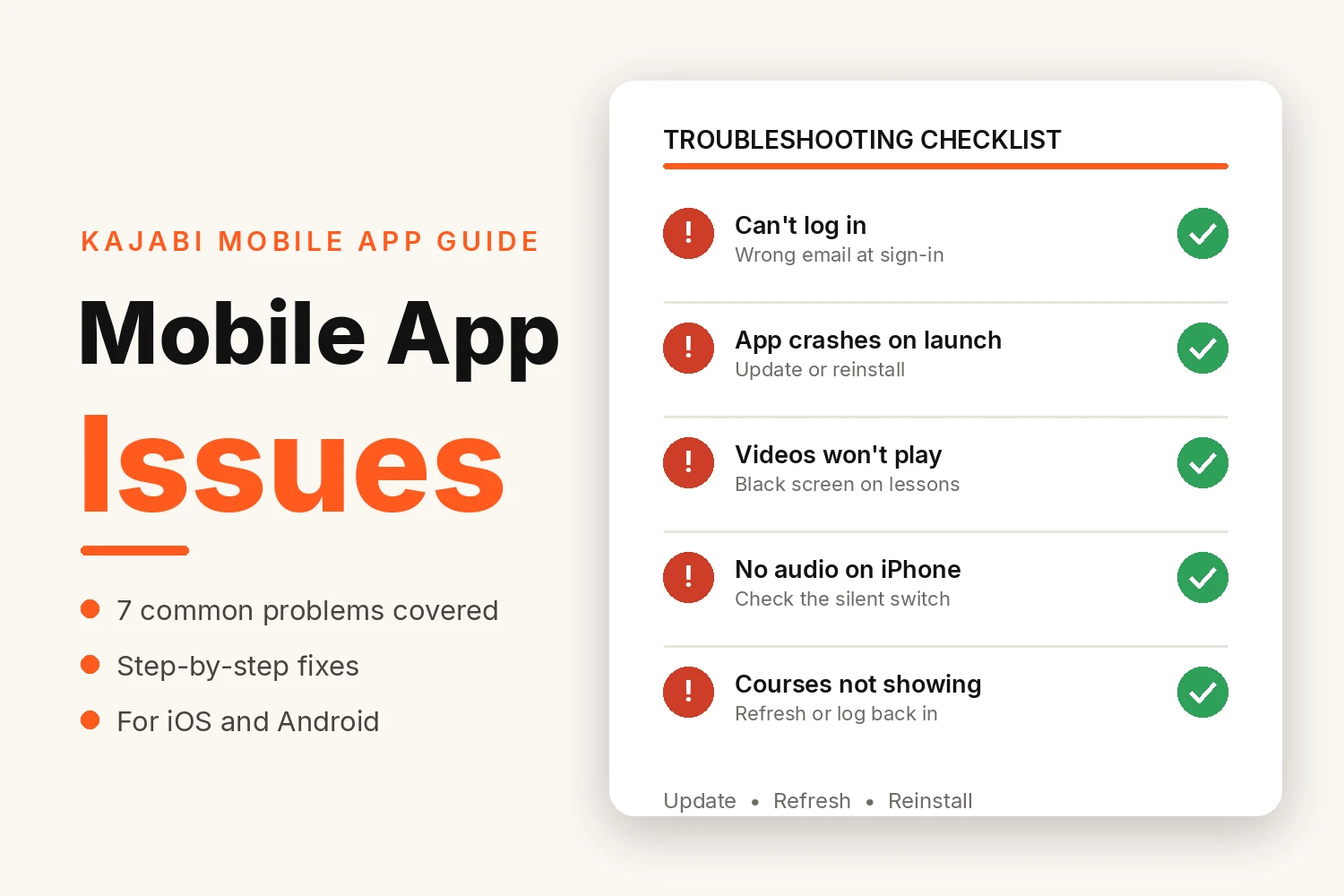
Your members do most of their learning on their phones. So when the Kajabi app plays up, you usually hear about it within the hour. A login that will not go through. A lesson stuck on a black screen. A course somebody paid for yesterday that still is not showing.
The reassuring news is that most Kajabi mobile app issues are small ones. They usually result from an outdated app, a full cache, a weak connection, or the wrong email address at login. Most clear up in a few minutes with the fixes below.
What Causes Kajabi Mobile App Issues?
The Kajabi Mobile App only displays what already sits in your Kajabi account. Courses, lessons, and member records live online. The app is just the window. So when a lesson won't open, the fault usually sits somewhere between the phone and the account.
- An app version that is out of date
- Cached data that has built up over time
- A weak or unstable internet connection
- An old phone operating system
- Login details that do not match the account
- Very little free storage left on the device
The 7 Most Common Issues and How to Fix Each One
Start with the problem you are actually seeing.
Can't Log In or Access Your Account
Login problems are the most common Kajabi mobile app issues we hear about. The cause is usually simple: the member is signing in with a different email address than the one they bought with.
- Check the email address matches the one used at purchase
- If the account was never verified, find Kajabi's confirmation email and tap the button in it
- Tap "Forgot Password?" and set a new password
- Try logging in through the phone's web browser. If that works, the account is fine and the problem sits with the app
App Crashes or Freezes on Launch
The app opens, then closes again straight away, or freezes on the first screen. It is normally an outdated version, or the app has gotten into a problematic state.
- Update the app in the App Store or Google Play first
- On Android, force stop it: Settings, then Apps, then Kajabi, then Force Stop
- Restart the phone
- If it still crashes, delete the app and reinstall it
- On older tablets, check the operating system too. A very old version may no longer support the current app.
App Won't Open or Stays on the Loading Screen
The app sits on the Kajabi logo or a plain blue screen and never reaches the library. A bad connection or stored data is usually behind it.
- Check the connection. Switch between Wi-Fi and mobile data and try again
- On Android, clear the cache: Settings, then Apps, then Kajabi, then Storage, then Clear Cache
- Delete and reinstall the app if none of that shifts it
Course Videos Show a Black Screen or Won't Play
The app opens fine, and the course library loads, but the lesson itself is a black box, or the video spins and never starts.
- Test the same lesson in the phone's web browser. If it plays there, the video is fine, and the app is the problem
- Move to a stronger Wi-Fi connection
- Update the app. Old versions keep playback bugs that newer releases have fixed
- Close other apps running in the background, then reopen Kajabi
- If every member reports the same lesson failing, check that lesson on a desktop. The problem may be in the course, not the app.
No Audio During Video Playback
The picture plays, but the sound does not. This issue gets reported a lot on iPhones.
- Check that the phone is not on silent. The small mute switch on the side of an iPhone catches people out more than any app setting
- Turn the volume up while the video is playing. On many phones, the buttons control ringtone volume until media is playing
- Disconnect Bluetooth. Sound may be going to headphones or a car that is still connected
- Play a video in another app. If there is no sound anywhere, it is the phone, not Kajabi
Newly Purchased Courses Don't Appear
The member has paid, the receipt has arrived, but the library only shows their older courses. Most of the time, this happens for one of two reasons: the purchase is under a different email address, or the app has not refreshed.
- Close the app completely and reopen it
- Log out and log back in
- Compare the email address on the receipt with the one used to log in. They have to match
- Owners can check too. Open the customer in Contacts and confirm the purchase and the offer access are both there
- If the record shows no purchase, the member almost certainly bought under another address.
App Feels Slow or Unresponsive
Pages take ages to load, taps respond late, and moving between lessons feels like hard work. Nothing is broken exactly, but the app has become unpleasant to use.
- Clear the cache on Android, or reinstall the app on an iPhone
- Free up storage, because a nearly full phone slows everything down
- Update both the app and the phone's operating system
- Try a different connection. Slow loading on a weak signal is the connection, not the app
When Should You Contact Kajabi Support?
There is a simple test. If you can log in through the phone's web browser but the app still does not work after an update and a reinstall, contact Kajabi Support. Kajabi's own help pages suggest the same.
Send them:
- The phone or tablet model and its operating system version
- The Kajabi app version
- The email address you are logging in with
- A screenshot, or the exact wording of any error message
- The fixes you have already tried
If many members report the same problem at once, say so. It is likely a platform issue, not one phone.
How to Prevent Kajabi Mobile App Issues?
Most recurring problems are due to habits, and both students and course owners can change some of them.
For students
- Keep automatic app updates switched on
- Leave a few gigabytes of storage free
- Open a lesson on Wi-Fi before a long trip to confirm it works
For course owners
- Ask two or three real students to try the app before a launch and report anything odd
- Put the correct login email and a short sign-in note in the welcome email
- Keep a short help email ready that lists the steps from this guide
- Recheck lessons on mobile after any big edit
Conclusion
Kajabi mobile app issues look alarming when they happen, but the fixes are usually small: update, refresh or clear cache, check the email, and test the connection. Work through the list above in order, and you'll solve most of them without help.
If the same complaints keep coming back, look at the setup around the app, not just the app itself. Kajabi Developers works on Kajabi websites, course setup, and the member experience at kajabidevelopers.com.
FAQs
Why is my Kajabi mobile app not working?
Most Kajabi mobile app issues come from an outdated app version, a full cache, a poor connection, or signing in with the wrong email address. Update the app first, then clear the cache on Android or reinstall it on an iPhone.
Why can't I log in to the Kajabi mobile app?
The email or password is usually wrong. Reset your password, check for stray spaces, and try signing in through a web browser to see whether the account itself works.
Why are my courses not showing in the Kajabi app?
You may be signed in with a different email than the one used at purchase. Refresh the screen, log out and back in, then check your confirmation email for the correct address.
Will clearing the cache delete my Kajabi courses or progress?
No. The cache holds temporary files only. Your courses and progress are stored with your Kajabi account and reappear after you log back in.
What should I do if the Kajabi app is stuck on the loading screen?
Check your connection first. Switch between Wi-Fi and mobile data if you can. Then force stop the app on Android, or close and reopen it on an iPhone. Clear the cache if it keeps happening, and reinstall the app if that fails.