
Introduction
An app store rejection is a frustrating experience after you have spent weeks preparing your Kajabi-branded app. The email arrives, it quotes a guideline you have never read, and your launch date slides again.
It happens more often than most creators expect. Kajabi's own documentation says that Apple and Google can turn down apps during their reviews and that their team may need to follow up.
A rejection is a review note, not a ban, and most trace back to something small.
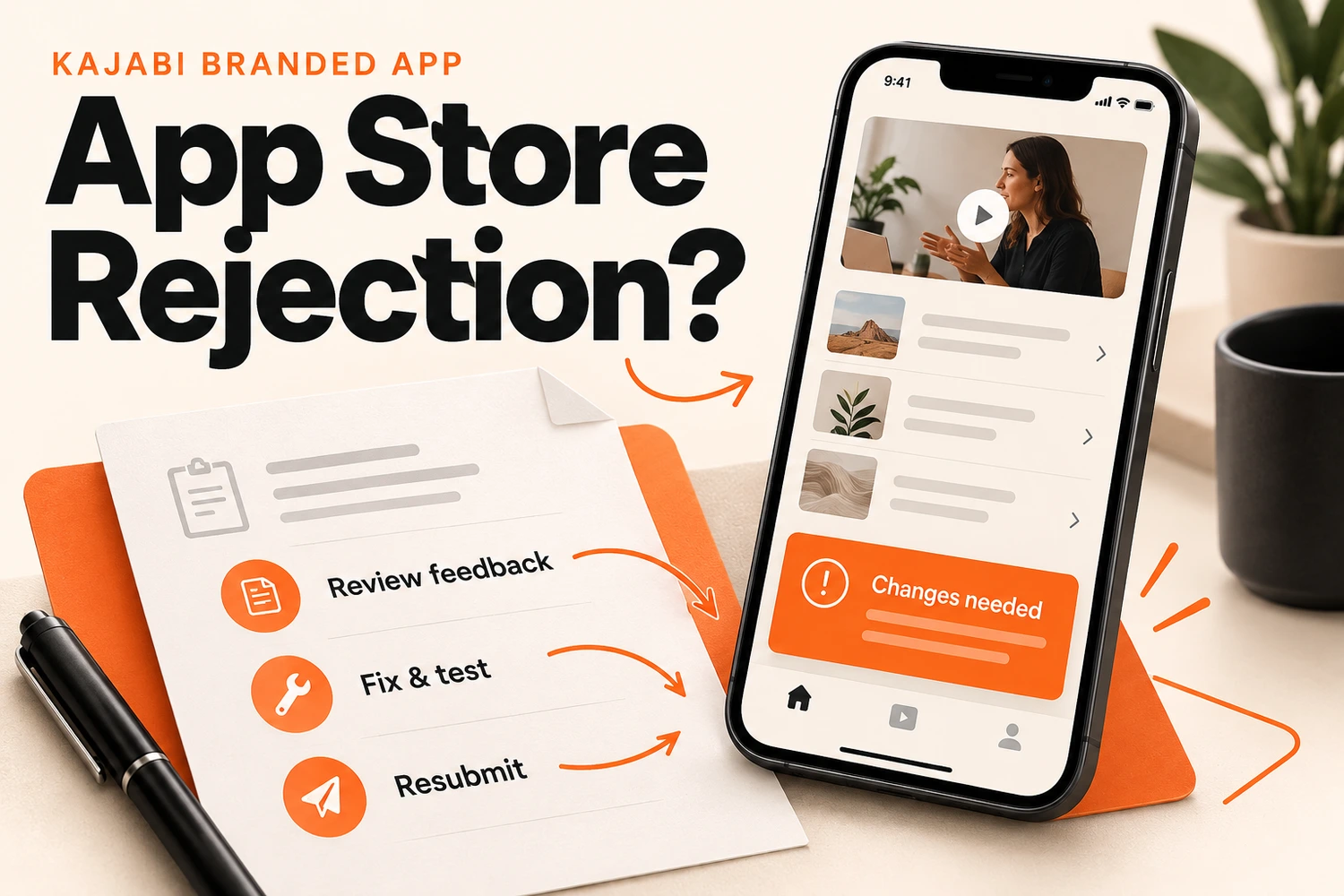
Quick answer: If your Kajabi branded app is rejected, read the reviewer's message, find the exact cause, fix it, test the app on a phone, and resubmit. Kajabi's team reviews the issue and prepares the resubmission with you.
What Is an App Store Rejection for a Kajabi Branded App?
An app store rejection means Apple or Google has reviewed your submitted app and decided that it needs changes before it can become available to users.
The review process looks at different parts of the app, including
- How the app works
- The information provided in the store listing
- User experience
- Privacy details
- App content and functionality
For a Kajabi branded app, this review is not only about whether the app opens correctly. Apple and Google also want to see that users can access content properly and understand what they are downloading.
A rejection usually comes with feedback explaining the reason. This feedback is the starting point because it tells you what needs to be updated before trying again.
Common Reasons Behind Kajabi Branded App Rejection
There is no single reason why an app gets rejected. Different apps can fail review for different reasons, but some issues appear more often than others.
Missing App Store Information or Incorrect Details
Sometimes the problem is not inside the app itself. It can be related to the information submitted with the app.
Apple and Google review the details users see before downloading an app. If something looks incomplete or does not match the actual experience, it can create problems during approval.
Common examples include:
- App descriptions that do not accurately explain the app
- Screenshots that do not match the current version
- Missing information required during submission
- Incorrect details about app features
Poor App Experience or Functionality Issues
If a reviewer cannot get in or finds almost nothing to test, the app gets bounced.
- The hidden reviewer test contact was edited or removed
- The "Branded Mobile App Review Access" offer was changed or deleted
- The "V1 Test Product" was removed
- The app holds too little content. Kajabi suggests at least one course with 3 to 5 modules and 3 to 5 videos
Privacy and Policy Compliance Problems
Payments are often a problem area.
Kajabi warns that third-party checkout links added during the approval phase often cause an immediate rejection.
An in-app purchase can be declined with reasons that need an answer before approval.
Google Play can also send a console warning about possible termination, which has its own separate fix.
Branding and App Content Issues
Your app store listing and your actual app should feel like the same product.
Sometimes rejection happens because the submitted information does not match what reviewers see inside the app.
Possible issues include:
- Screenshots showing outdated branding
- App details that do not match the current version
- Offensive wording in the app name, description, or artwork
- Content differences between submission details and the actual app
What Should You Do After Your Kajabi App Gets Rejected?
Getting a rejection notification is not the time to immediately submit another version. First, understand the reason behind it.
Review the Apple or Google Rejection Message
Open App Store Connect or Google Play Console and read the note in full. Look for:
- The guideline or policy it cites
- What the reviewer says they saw
- Any screenshots or steps attached
Copy the wording into a document, then sort each point into one of three piles:
- Store details, such as the description, screenshots, or icon
- Account or content setup, such as legal pages, the review offer or the test contact
- The app builds itself
Fix and Test Your Kajabi Branded App Before Resubmission
Deal with the cause rather than the symptom.
- Restore anything the reviewer relies on: legal pages, review offer, test contact, V1 Test Product
- Add or repair the Contact Us page
- Swap out any asset that is not yours
- Remove prices, beta wording, and external payment links
- Open the app on a real phone and walk through it the way a stranger would
Test the way a reviewer would. Log in with the review access, open the course, tap every menu item, and confirm the Contact Us page loads from your linked website.
Resubmit Your Updated App
Kajabi's team works out the correction and creates the resubmission. Before it goes out, read the note once more against your fixes and tick off every point the reviewer raised. A note can list more than one issue, and clearing only the first sends you back to the queue.
Before resubmitting, check that:
- The updated app matches your store information
- Screenshots and descriptions are accurate
- Previous issues have been resolved
- The latest version has been tested properly
Keep any launch date flexible until approval lands, since a fresh build can take longer than a description change.
When Should You Appeal an App Store Rejection?
Appeal when the reviewer got it wrong. If they got it right, resolving the problem is quicker.
An appeal makes sense when:
- The reviewer says login failed, but the review access is untouched and working
- The guideline cited does not apply to your app
- The reviewer missed a page or feature that is already there
Both Apple and Google give you a way to reply or appeal. Send the message to Kajabi's team first. Then keep the reply short, polite, and specific: quote the guideline from the note, explain in two or three sentences why your app meets it, and attach screenshots.
How to Prevent Kajabi Branded App Rejection Before Launch?
Run through this checklist before every submission or update:
- Keep the Privacy Policy and Terms of Service pages published
- Leave the V1 Test Product, the reviewer contact and the review access offer alone
- Publish a clear Contact Us page
- Load at least one course with 3 to 5 modules and 3 to 5 videos
- Use only original logos, icons and graphics
- Keep the app name and description clean, with no prices or beta notes
- Hold off on external payment links until approval
- Fill in Apple's privacy options and Google's data safety answers carefully
- Avoid editing the app while a review is in progress
Conclusion
An app store rejection is a normal part of launching a branded app, and it rarely means starting over. Read the message, fix the exact cause, test it, and let the resubmission go through. If your Contact Us page, course layout, or sales pages need work before you resubmit, the team at Kajabi Developers can help you build them.
FAQs
What is an app store rejection?
An app store rejection means Apple App Store or Google Play has not approved your app because something needs to be updated before it can be published.
How do I find out why my Kajabi branded app was rejected?
Read the rejection message in App Store Connect or Google Play Console. If Kajabi is an admin on your account, its team also sees the notice and emails you.
How do I fix an app store rejection?
To fix an app store rejection, review the feedback, resolve the reported issues, test your app again, and submit the updated version for review.
Can a rejected Kajabi branded app be resubmitted?
Yes. Kajabi's team reviews the issue and prepares the resubmission once the cause has been corrected.
Can I appeal a Kajabi branded app rejection?
Yes, if you believe the reviewer made a mistake. Apple and Google both allow replies or appeals.