
Introduction
Kajabi for coaches works on a simple idea. You shouldn’t need a different app for every small step of a coaching relationship. Many coaches start with a booking link and add a payment page later. Then a shared folder appears, and half the week goes to admin instead of coaching.
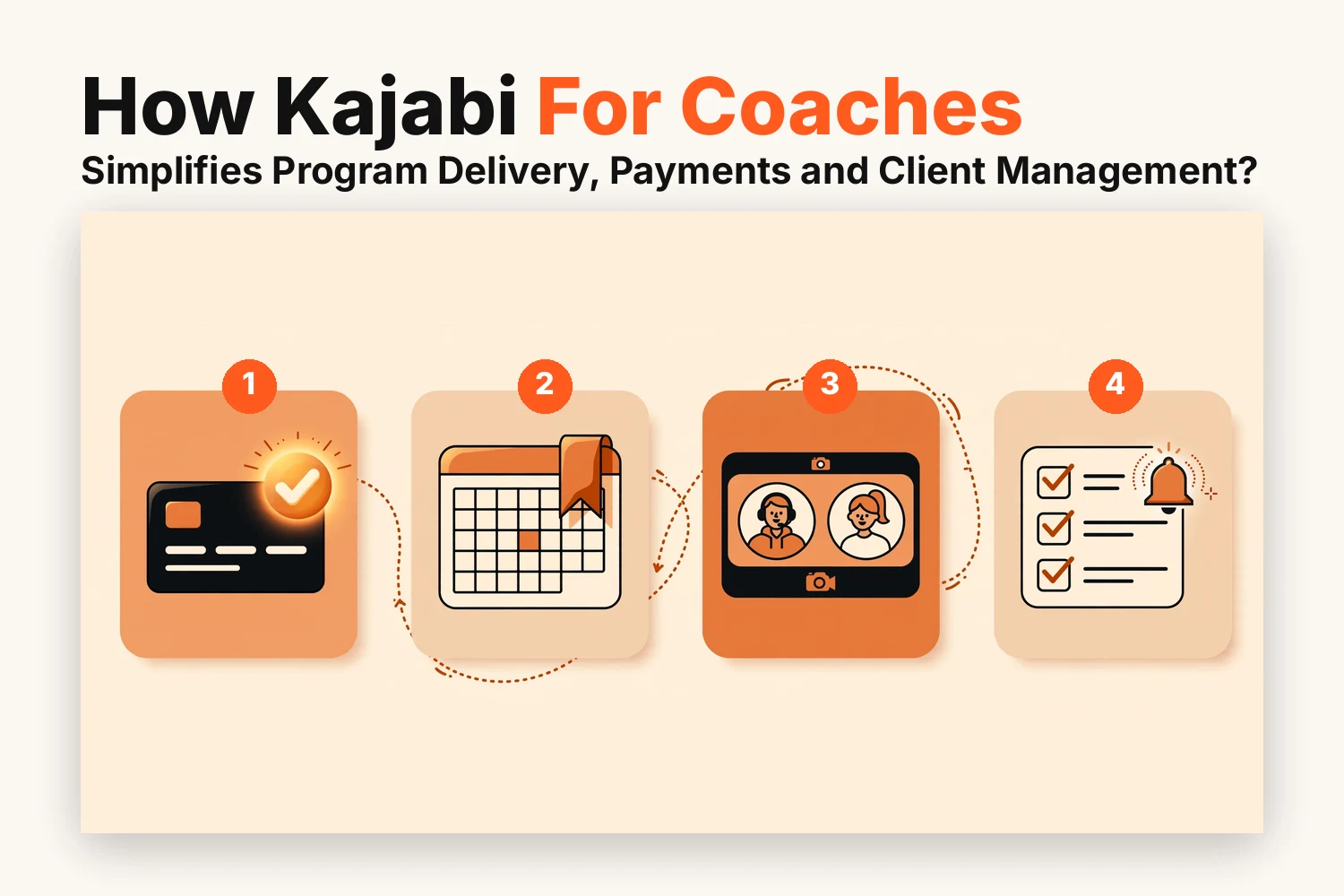
Kajabi puts those steps under one login. This guide covers how it handles program delivery, payments, and client management. Picture yourself running a one-to-one package and a small group program as we go through each part.
How Kajabi Handles Program Delivery
The delivery stage is usually when the pressure starts building on the coach. In each session, there are always documents and recordings that must be arranged so the client does not have to search for what he needs.
Kajabi lets you build a coaching product and set how many sessions each client receives. One-to-one and group programs can live in separate products, so schedules and materials never overlap.
Say your one-to-one package is for senior managers and your group program is for new team leads. Each one gets its own product and its own session count.
Three things are worth setting up early:
- A welcome lesson that explains how sessions work
- A clear session limit for each client
- A separate product for each program format
Clients pick a time from the availability you set, and the booking lands in your calendar. That ends the email back and forth about who is free on Thursday.
For the call itself you have a few options. Kajabi offers built-in live video. Zoom works if your clients already know it, and Calendly fits if you’d rather keep your current booking page. Features can differ by plan, so check yours before promising a setup.
These habits keep sessions running smoothly:
- Leave a short gap between calls so you can reset
- Choose one booking route and stick with it
- Put the meeting details in the confirmation so nobody hunts for a link
A coaching call doesn’t end when the video does. Clients need something to prepare beforehand and something to act on afterward.
You can place that material inside the program as lessons so it sits where clients already log in:
- An agenda or a few prep questions before each call
- A worksheet or short exercise after it
- The recording for anyone who wants to revisit the discussion
Try adding a one-page recap after every group call. Clients stop asking where last week’s notes went. Keeping this inside the program also means a client who joins late can catch up in the right order.
How Kajabi Handles Coaching Payments
It should not be an additional project to get paid. In Kajabi, there is a connection between the sale and the program itself.
The product holds the sessions and content. The offer decides how someone buys it. That split matters because one coaching product can carry several offers.
You could sell your one-to-one package as a full upfront purchase and also through a payment plan. The program behind both stays exactly the same. Keeping the offer separate also lets you change pricing later without rebuilding anything.
Each offer gets its own checkout page. You can link it from a sales page or from a simple button on your site.
Kajabi connects with Stripe and PayPal to collect payments. The right pricing style depends on how you coach:
- One-time payments suit fixed packages with a set number of sessions
- Payment plans make a larger program easier to commit to
- Subscriptions work well for ongoing monthly support
Run a test purchase before you share the link. It takes a few minutes and shows you exactly what a new client will see.
Once payment goes through, the client gets into the program without you doing anything by hand. A welcome email arrives, and the first lesson is ready.
You can also attach a tag at the point of purchase. That tag can start an onboarding sequence asking the client to book a first session.
If you want to screen people first, you can have them apply and then only send the offer link to the ones you accept. Either way, no one has to wait for you to send login info.
How Kajabi Handles Client Management
Once clients start, the work shifts to tracking who is where. Spreadsheets usually handle this part badly.
Every client has a contact record in Kajabi that shows what they bought and what they’ve accessed. Tags add the personal layer. You might mark someone as onboarding and switch the tag to finished once they complete the program.
If you run group programs, tag those clients by cohort. When a new cohort begins, you can message just those people instead of your whole list.
Where your setup allows, keep session notes close to that record. Reading the last note takes a minute and makes the next call feel continuous. That is why Kajabi for coaches can stand in for a separate client tracker in many solo practices.
Missed sessions often come down to a forgotten time rather than lost interest. Reminders fix a lot of that.
Automations can handle follow-ups too:
- A check-in email the day after each session
- A nudge when a client hasn’t booked their next call
- A congratulations message when they finish the program
They run on tags, so you set up once and they keep working while you coach.
Conclusion
The ideal use of Kajabi for coaches is by treating the platform as a unified workspace where all your sessions, payments, and clients’ data reside within the same environment.
Take it slow and steady. Begin with setting up one program, one offer, and one reminder. Once that becomes a success, gradually introduce the next component. In case you need assistance in designing the framework according to your coaching methodology, Kajabi Developers can work with you on that.
FAQs
Can Kajabi for coaches handle in-person sessions?
Yes. Booking, payment and resource sharing work the same way. The session itself simply happens in person instead of on a video call.
How can existing clients buy extra coaching sessions?
Yes. Create a separate offer for extra sessions and send existing clients the checkout link.
Do clients get calendar invites for their sessions?
Yes. Clients receive confirmation details for each booking and can add the session to their own calendar from there.
Can Kajabi replace a CRM for a coaching business?
For many solo coaches it can, since contacts, tags, purchases and emails sit together. Larger teams with complex sales pipelines may still want a dedicated CRM.
Can you use Calendly for bookings while running the call on Kajabi video?
Yes. Calendly can handle bookings while the call runs on Kajabi’s video. Most coaches pick one scheduling route to avoid double bookings.