
Introduction
A Kajabi membership site works best when people can start small and move up as they get more value. Take a guitar teacher named Dan. He teaches beginners online and keeps a library of song tutorials. He also hosts a monthly live jam. One flat price for all of that would either scare off newcomers or undercharge his most loyal students.
Membership levels fix that problem. Each level opens a different amount of content at its own price, so people pick what fits them.
This guide shows how to build those levels step by step. You’ll also see how to stack access and link each tier to checkout. A test routine at the end helps you catch mistakes before members do.
How Do Membership Levels Work on a Kajabi Membership Site?
Kajabi doesn’t give you a ready-made membership button. You put a level together yourself by connecting your content to a recurring payment, and two parts of your account handle that:
- Products hold the content members get, such as a course, a community or a set of downloads
- Offers are what people actually buy, and each one sets the price, the billing schedule and which products come with it
So every level you want to sell becomes its own offer. When someone buys it, Kajabi gives them whatever products are attached. When their subscription ends, the access goes with it.
How to Create Different Membership Levels in Kajabi?
The setup follows five steps. Do them in order because each one depends on the last.
Step 1: Decide What Each Membership Level Includes
Before you open Kajabi, take a few minutes to write down what each tier should offer. It’s much easier to change a plan on paper than to rebuild offers after people have already bought them.
The difference between levels needs to be something members can actually notice. A few common ways to separate them:
- The amount of content they can open
- Access to live sessions with you
- Personal feedback on their work, which usually suits your top tier
Most creators do well with two or three levels because a long list of options tends to make visitors put off deciding. If you’d like a low-pressure way to bring people in, you could also add a free level at the bottom and let them upgrade once they’ve had a taste.
Step 2: Create or Reuse Products for Each Membership Tier
The trick here is to build your products around pieces of content and leave the tiers for later. Dan creates three products called Starter Lessons, Song Library and Live Jam Room. Each one only exists once, and the higher tiers simply attach more of them.
That means he never has to copy a lesson into a second place. When he fixes a typo in one video, it updates for every member who can see it. If you already have a course or community in your account, you can reuse it here as well.
Step 3: Create Recurring Offers and Set Pricing for Each Level
Now open Sales, then Pricing, and click + New Offer. Make one offer for every level.
For each one:
- Choose a subscription as the payment type
- Set the price and the billing schedule
- Give it a plain name that matches your sales page
Names like “Starter Membership” work better than clever ones. Buyers who see a different name at checkout often stop and wonder if something changed.
You can add a yearly price next to the monthly one. Yearly billing rewards commitment and smooths out your income.
Kajabi also has a beta feature called Offer Plans that puts several tiers inside one offer. It’s still changing, so check Kajabi’s help center before you build around it.
Step 4: Connect Products to Each Offer and Configure Access Rules
This step decides who sees what. Open each offer and attach its products.
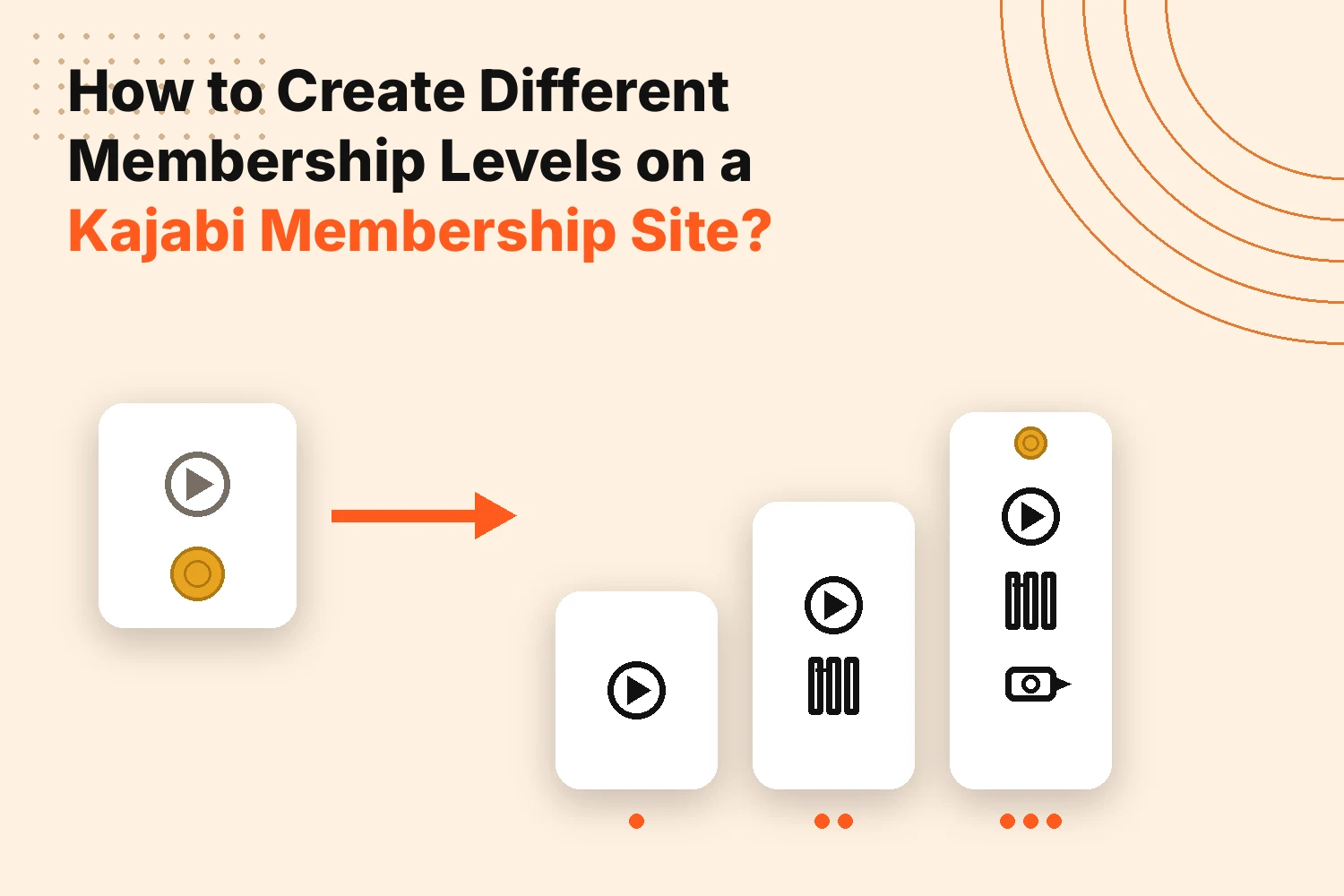
For a stacked ladder, give every higher tier the products from the lower ones too. Dan’s Premium offer holds all three products. His Plus offer holds two and Starter holds one.
A few access settings deserve a look:
- Drip release: unlock lessons gradually so new members don’t see everything at once
- Community access: link the right community channels to the right offer
- Free offers: create a no-cost offer for your entry level so those members still get an account
Watch the drip setting if you plan to let people move between levels. Kajabi warns that an upgrade done through automations can reset a member’s start date on drip content. That affects which lessons they can open.
Step 5: Display Membership Tiers and Link Each Level to Checkout
People can’t join a level they can’t find. Put your offers on a page where visitors can compare them.
A good tier page shows:
- The levels in order from lowest to highest
- A short line on what each one unlocks
- One button per level that leads to that offer’s checkout
You can add offers to a landing page or place them in your Kajabi store. Many creators use both.
Plan the upgrade path now too. Kajabi lets members move between levels when you set up automations across your offers. The switch only affects future payments. There’s no prorated change in the middle of a billing cycle, so mention that on your page.
What Should You Test Before Making Membership Levels Live?
Test every level the way a brand new member would, and try not to use your admin account because it hides the problems real members run into.
Buy each offer with a fresh email address. A coupon that takes 100% off means you can do this without paying anything. Once you’re in, look at a few things:
- Whether the right products show up and nothing extra appears
- Whether higher tiers include the lower tier content
- Whether the welcome email arrives with links that work
- Whether the community opens only for the level that should have it
- How the page looks on a phone
After that, try moving between levels. Upgrade one test account and downgrade another, then watch what happens to their access and any drip lessons. Finish by cancelling a test subscription to confirm the paid content locks when the billing period ends. A gap you find now is a lot cheaper than one your first members find for you.
Final Thoughts
A good Kajabi membership site is built from small, clear pieces. Products hold your content and offers set the price. Each level connects the two in a different way.
Start with two levels and make sure both work from checkout to cancellation. Add a third only when members ask for it. A simple ladder that’s easy to explain will serve you better than a complicated one.
FAQs
Can I offer free and paid membership levels on the same Kajabi site?
Yes. Create a free offer for your entry level and paid offers for the higher ones. All of them can sit on the same site.
Can the same Kajabi product be included in multiple membership levels?
Yes. One product can attach to several offers. This lets higher tiers include lower-tier content without copies.
Are monthly and annual subscriptions considered different membership levels in Kajabi?
Not usually. They’re billing choices for the same level when both prices unlock the same products. A different set of products makes it a different level.
Can members upgrade or downgrade between membership levels in Kajabi?
Yes. You set it up with automations across separate offers. The change only affects future payments and there’s no prorated switch mid-cycle.
Is there a limit to how many membership levels Kajabi allows?
Kajabi doesn’t set a separate cap on levels. Each one is an offer, so your plan’s usage limits are what count. You can review them under Settings and then Subscription & Billing.