
Introduction
If you've just bought an online course, there's a good chance the welcome email told you to download the Kajabi app. So what is Kajabi app, and do you actually have to use it? Not really, but it does make life easier once you know how it works. This guide covers what the app does, how to log in and what you'll see afterwards, so you can decide if it deserves a spot on your phone.
What Is Kajabi App Used For?
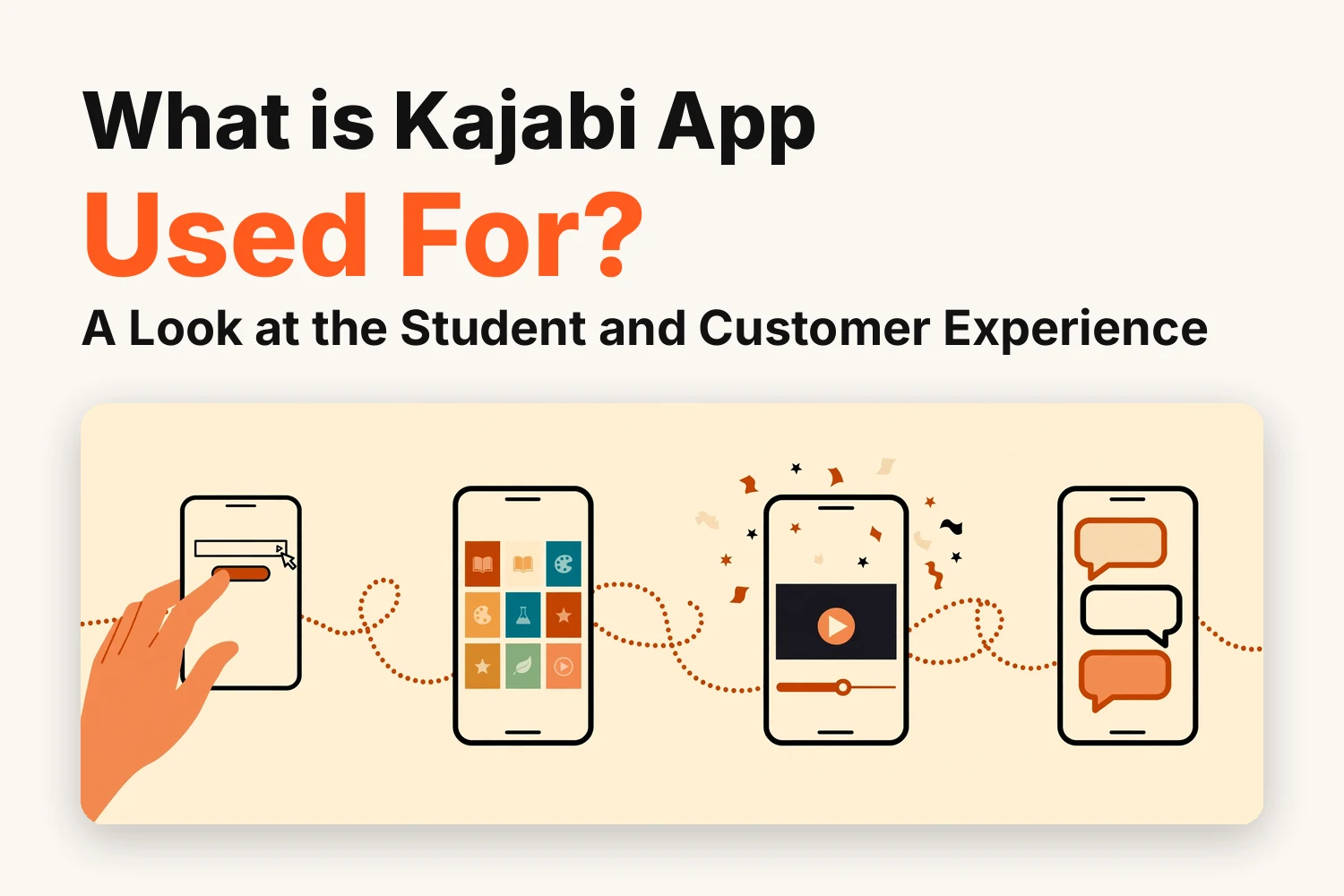
The Kajabi app is a free mobile app for students taking courses hosted on Kajabi. It lets you watch lessons or listen to recordings on your phone. You can also see how far you've got in a course. Some memberships include a community.
Downloading the app doesn't unlock every course. Your teacher decides what you can see. You don't need your own Kajabi business account, either. This app is for learners, and it's different from a Kajabi branded app — that’s the creator’s own white-labelled version of the experience.
A tutor might share a recorded class. A fitness coach might post weekly training lessons. You open both in the same app, even though the courses teach very different things.
How Do Students Get Started With the Kajabi App?
Setting it up takes a couple of minutes. Here's how it goes:
- Download the Kajabi app from the App Store on iPhone or from Google Play on Android
- Open it and type in the email address you used when you bought the course
- Kajabi emails you a magic link or a six-digit code, so use whichever one arrives to log in
After that, your library loads with everything linked to that email. If it looks empty, you probably bought with a different address, so try your other emails first. If the app itself misbehaves — crashes, endless loading, or a code that never arrives — these common Kajabi mobile app issues and their fixes cover the usual culprits.
It's also worth letting the app update when your phone asks. Newer features like the community area only appear on current versions, and Kajabi looks after those updates itself.
How Does Course Content Appear in the App?
Everything shows up in the same order the creator set it up on their site. A course opens with its modules, and tapping a module shows the lessons inside it. Each course has a thumbnail, which helps a lot if you've bought more than one, and the creator's logo sits at the top so you know whose content you're in.
Some creators release lessons over several weeks. In that case the later lessons stay locked until their date comes round, exactly like they would on the website.
What Can Students and Customers Do in the Kajabi App?
Most of what you do on the creator's website you can do in the app too. A couple of features depend on how the creator set up their offer, and we'll point those out as we go.
Watch Video Lessons and Listen to Course Content
Videos play right in the app, and audio lessons work the same way. If the creator has a private podcast, you can stream the episodes from the same library and the app remembers how far through you got.
Worksheets and PDFs are attached to a lesson on that lesson's page, so there's no need for another app to read them. Lessons stream rather than download, so good wifi or mobile signal makes a big difference to how smoothly they play.
Track Progress and Continue Unfinished Lessons
When you finish a lesson, the app marks it complete and shows a little confetti animation. It's a small thing but it does make you want to start the next one.
Your progress is saved to your account and not to your phone, so you can start a lesson on the train and carry on from your laptop at home without losing your place. It's also an easy way to check how much of a course is left if you're trying to finish before a coaching call.
Search Courses and Find Learning Resources
All the products you own sit in one library, so there's no need to remember a different login page for each course. Extra materials stay inside the lesson they belong to. If lesson three comes with a checklist, you'll find it on the lesson three page and not in some old email from two weeks ago.
New lessons show up on their own once the creator publishes them, so there's nothing to reinstall.
Explore Community Content and Course Updates
If the creator runs a community, it opens inside the app and you can read posts and reply to other members there. Lesson comments work the same way, which means you can join the discussion under a video without leaving it.
Whether you see the community depends on what you bought. It only unlocks when your offer includes a community access group. If it's missing, check that your app is up to date and that your purchase actually covers community access.
What Makes the Kajabi App Useful for Students and Customers?
For most students it comes down to convenience. A lot of people fit learning into small gaps during the day, and a phone is nearly always within reach. A few other things help too:
- One login works for every Kajabi product you've bought from that creator
- It runs on iPhone and Android
- Kajabi handles the updates and maintenance
- Comments sit right below each lesson
If you're new to online courses, having everything in one place also cuts down the confusion. You won't be hunting through bookmarks and emails to work out what to open next.
Creators get something out of it as well. There's nothing to build or pay a developer for, and they can pick a brand color and upload a site icon so the app feels a bit closer to their business. That usually means fewer messages from students asking how to watch lessons on their phones.
Conclusion
So what is Kajabi app in simple terms? It's a free mobile library for the courses and podcasts you've bought from a creator who sells on Kajabi, with their community included if the offer has one. You log in with the email you used at checkout and your content is ready as soon as the purchase goes through.
Students get an easier way to continue learning on the go, and creators get a mobile experience without any additional work. If you have your own Kajabi site and want your courses to look good on every screen, Kajabi developers may help with that.
FAQs
Is the Kajabi app free for students and customers?
Yes, students can download it for free from the App Store and Google Play, and logging in with the email from their purchase doesn’t cost anything.
Do students need a paid Kajabi subscription to use the app?
No, the app only asks for the email linked to a purchase. The Kajabi subscription is paid by the creator.
Does the Kajabi app work on both iPhone and Android?
Yes, it’s available on the Apple App Store for iPhone and on Google Play for Android.
Can customers use the Kajabi app for community access?
Yes, as long as the offer they bought includes a community access group and the app is on its latest version.
Can students use the Kajabi app without an internet connection?
Not really, because lessons stream from Kajabi and offline downloads aren’t listed among the app’s features. You’ll need a connection to watch.